Integrate Beenia with your favourite apps using Zapier
Zapier automates your work across 5000+ app integrations, so you can focus on what matters.
By integrating Beenia with Zapier you can automate actions between apps and centralize all your work inside of Beenia. Few of the example use cases are:
- create a meeting or an activity inside of Beenia after a new meeting is added to your Google calendar
- create new activity inside of Beenia once a new ticket is added to your support system
- create new activity inside of Beenia once a new deal is added to your CRM
- create new activity inside Beenia once a task is assigned to you in another project management system such as Trello or Asana.
How it works?
1. Enable Zapier integration in your Beenia user profile
Navigate to your user settings inside of Beenia. Scroll down, find the Zapier integration option and enable it.

2. Copy the Zapier API key
After you have enabled the Zapier integration copy the Zapier API available to you.

3. Paste the API key to Zapier
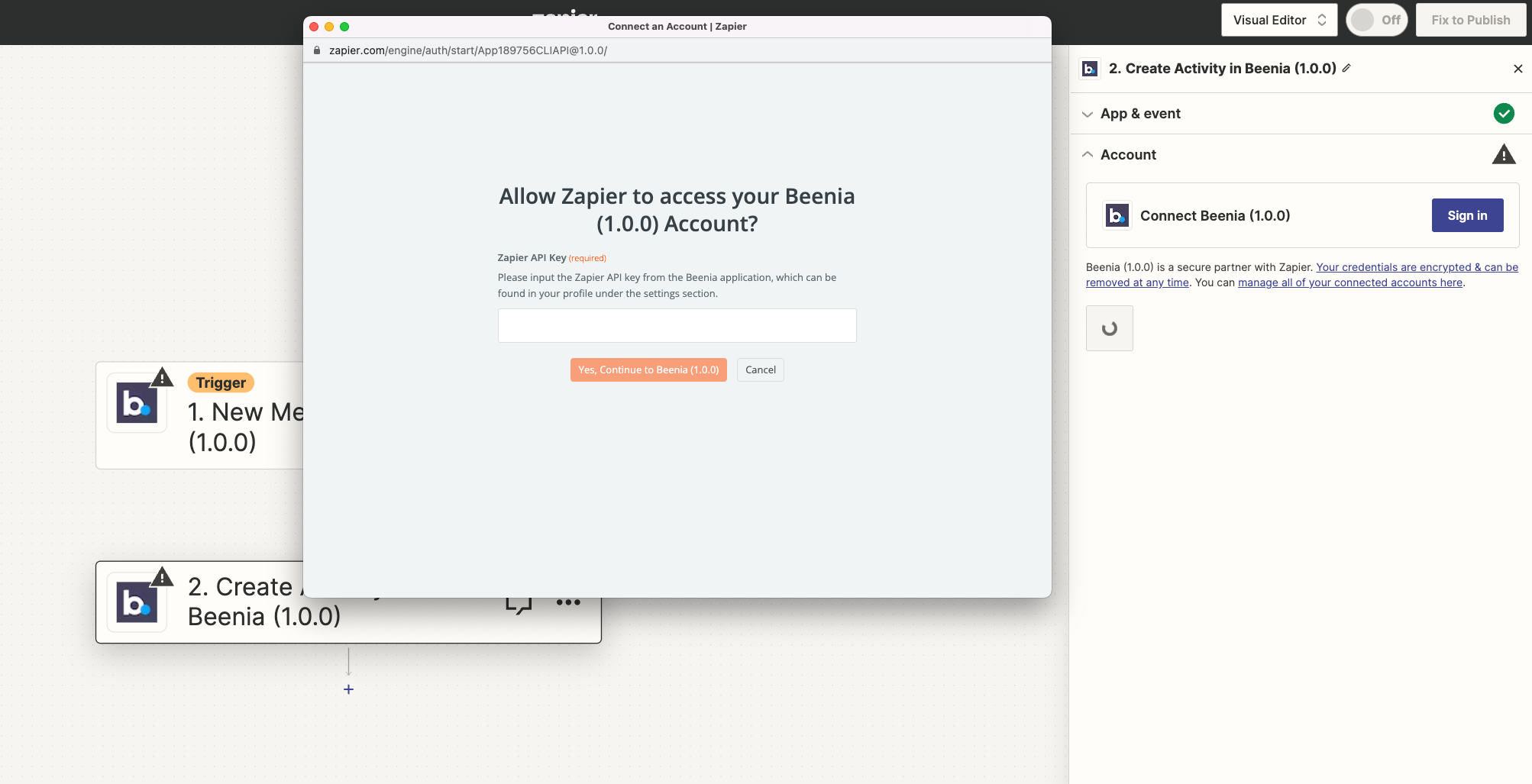
Create new Zap inside of Zapier and choose the Beenia app as the Zap trigger or as the Zap action. In the settings of your action choose the type of the action and under account click on "sign in"
Zapier will ask you add the Zapier API key. Paste the API you have copied from Beenia and click on the continue button. Beenia is now connected to Zapier and you can continue with the setup of your Zap.