
To ensure smooth collaboration and proper access control, Beenia offers four user roles: Guest, Member, PRO, and Admin. Each role comes with specific permissions and limitations to help teams stay organized and maintain security. Below is a detailed explanation of each role and how it fits into your team's workflow.
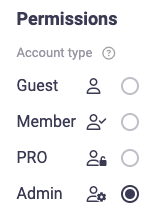
Guest
- Guests have limited access and can only work within the team they are invited to.
- They can view and interact with activities but cannot create new teams or invite members.
- They do not have access to team settings.
Member
- Can edit everything within the team.
- Can track time, create goals, and approve tracked time.
- Can search for and join public teams.
However, they cannot:
- Create new teams.
- Manage team settings.
- Invite new members unless they are assigned as a Team Lead.
- Administer the entire account.
This role is perfect for regular team members who actively participate in projects but do not need administrative privileges.
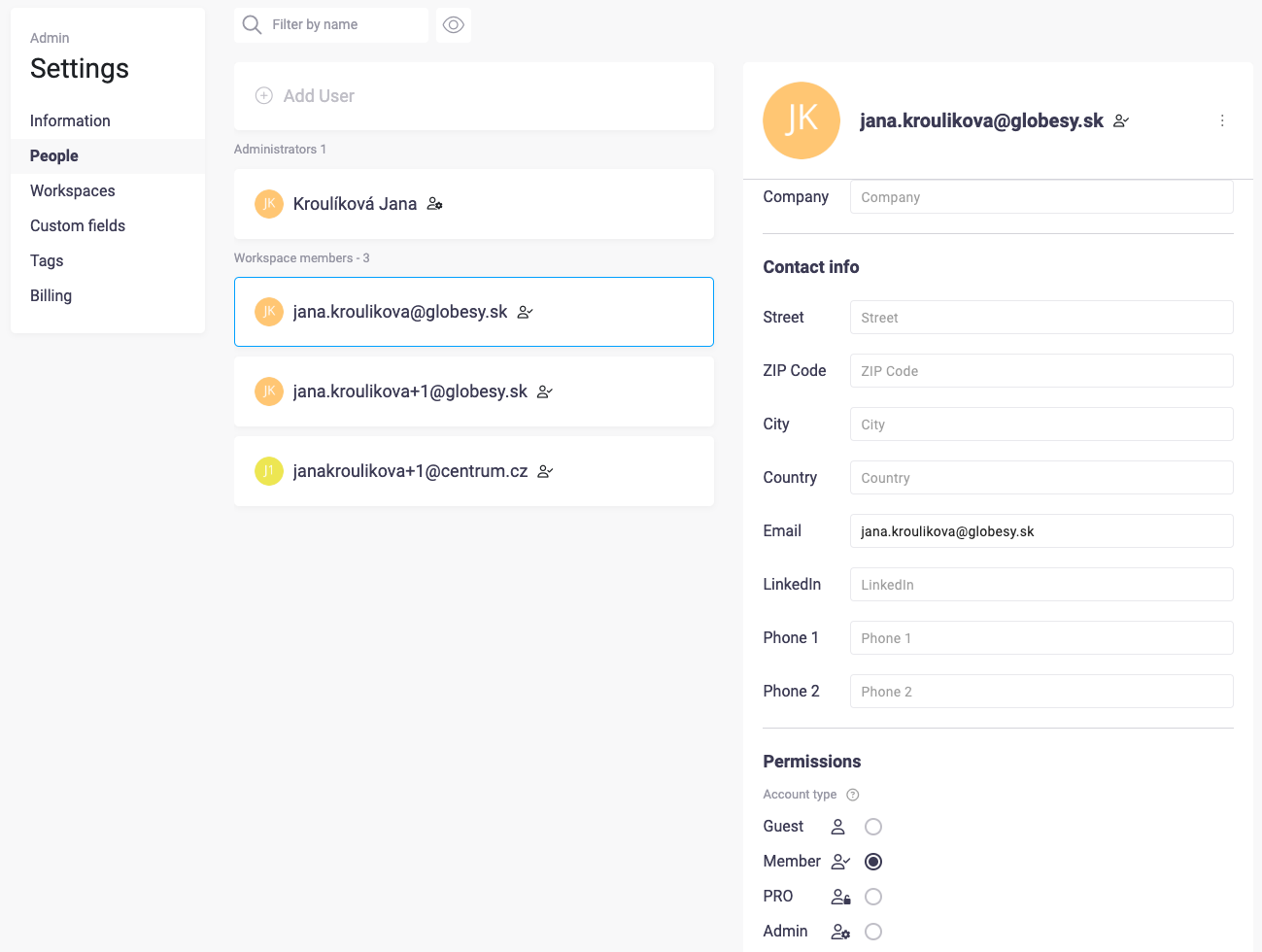
PRO
PRO users have full access to all Beenia features except for account administration. This means they can:
- Use advanced project and goal management tools.
- Access reporting and analytics features.
- Collaborate across multiple teams without restrictions.
- Has access to all paid features of Beenia.
- Can create teams.
- Can perform all actions a Team Member can.
- Does not have account administration rights.
This role is designed for power users who need advanced functionality but do not require full account control.
Admin
Admins have the highest level of access, allowing them to manage:
- Account-wide settings.
- User roles and permissions.
- Team and workspace configurations.
- Has full access to account settings.
- Can create and manage teams.
- Cannot access billing information.
- Responsible for overall workspace setup and maintenance.
Only Admins can control account administration, making this role suitable for workspace owners or IT administrators managing the overall platform.
Team Lead
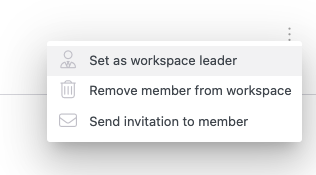
- Can invite people to their team.
- Can edit team settings (unless they are a Guest).
- Labeled as a team lead for clarity.
- Can see all teams they lead and manage team-related configurations.
Owner
- Has full control over the Beenia account.
- Can access billing and subscription settings.
- Can assign Admin roles to other users.
Choosing the Right Role for Your Team
Each role is designed to fit different levels of responsibility. Here’s a quick guide to help you decide:
- Need limited access for an external user? → Guest
- Regular team member with collaboration access? → Member
- Advanced user who needs all features except admin controls? → PRO
- Managing the entire account and permissions? → Admin
By assigning the right roles, you ensure better workflow efficiency, data security, and a well-organized collaboration structure within Beenia.