
To get the most out of Beenia, it’s essential to understand how the account structure works. This system is designed to keep your work organized, efficient, and tailored to your team’s needs.
Account Overview
When you create a Beenia account, you’re setting up the foundation for your team’s growth and collaboration. The account is the overarching framework where all your workspaces, team members, and activities are housed.
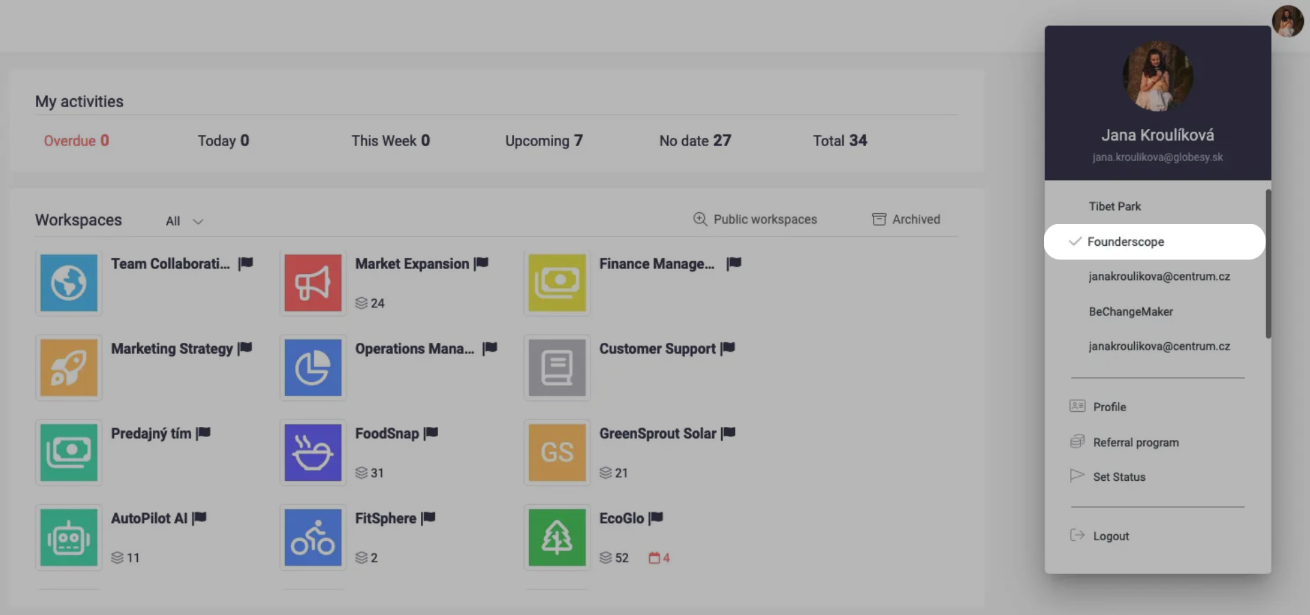
Workspaces: The Core of Organization
Workspaces are the building blocks of your Beenia account. Each workspace acts as a separate area to manage specific types of projects or goals.
Why Use Workspaces?
- Workspaces help you keep different aspects of your business organized. For example:
- A startup might create a workspace for Product Development and another for Customer Success.
- A marketing agency could set up workspaces for each client or campaign.
Customization:
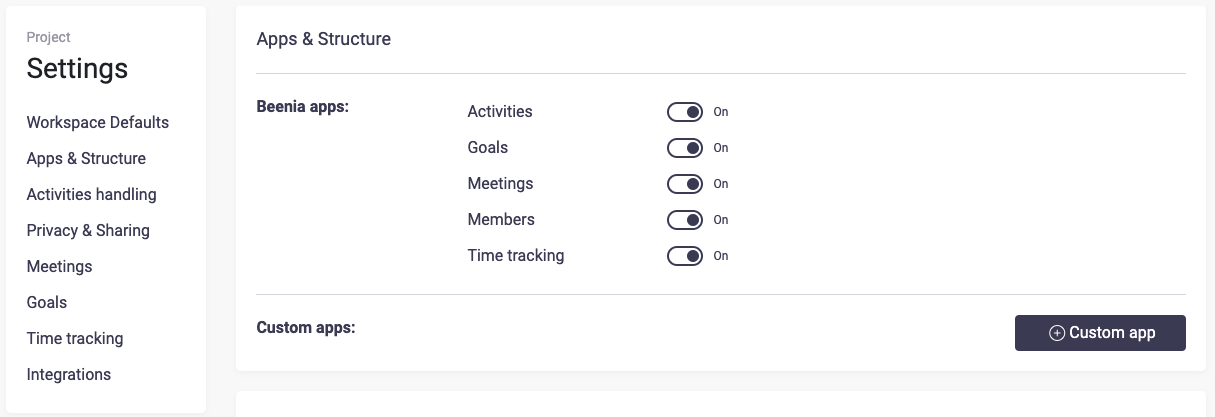
- Each workspace has its own settings, enabling you to tailor its structure to fit your needs. Adjust app visibility, customize statuses, and manage permissions to ensure the workspace aligns with your workflow.
Team Members and Permissions
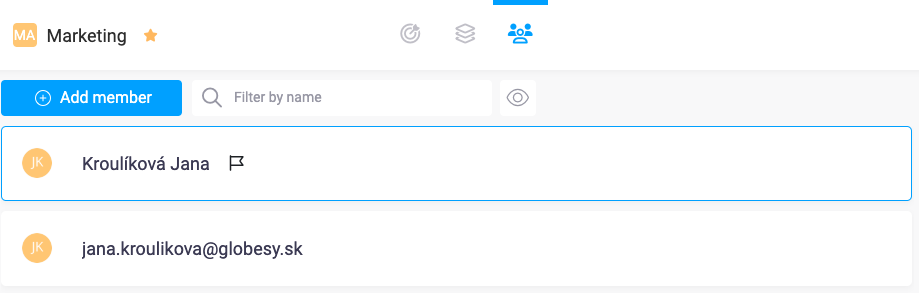
Inside each workspace, you can invite team members and assign roles. Roles help control access and ensure that everyone sees and works on the relevant tasks. For example, you can:
- Limit sensitive information to specific members.
- Assign team leads to oversee activities.
Activities, Goals, and Meetings
Within workspaces, you’ll find three main tools:
- Activities for managing daily tasks and workflows.
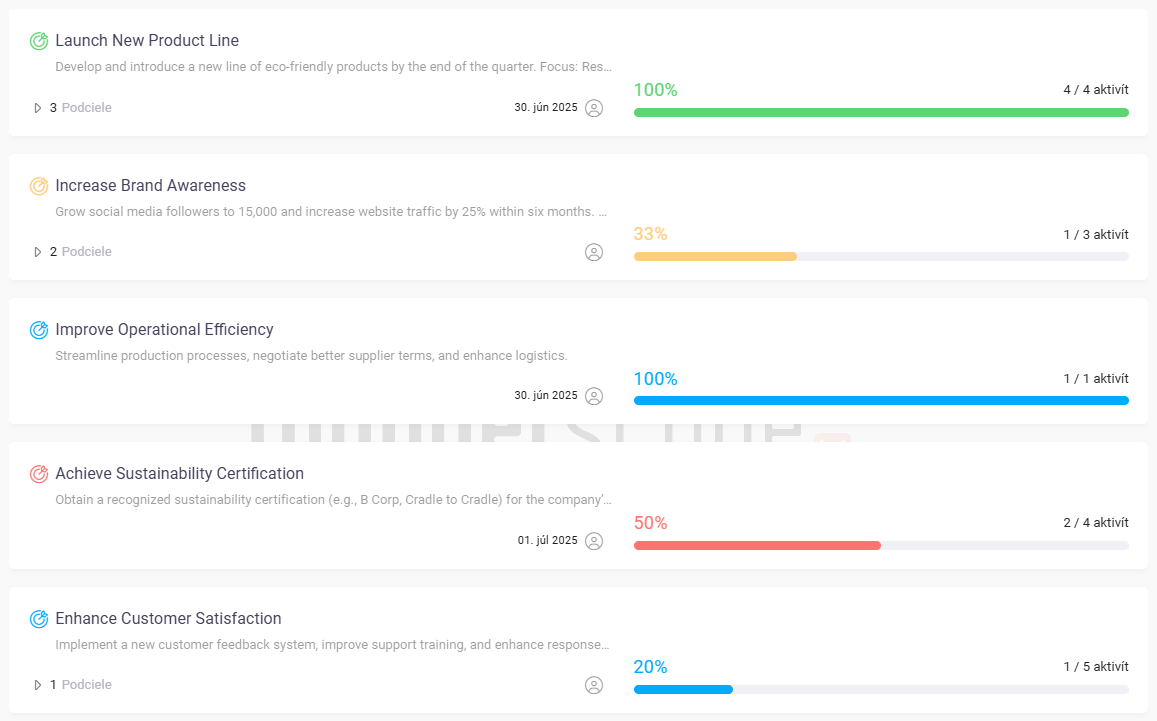
- Goals for tracking progress and aligning team efforts.
- Meetings for structured collaboration and planning.

By keeping these elements organized within workspaces, you’ll maintain a clear overview of all ongoing projects and activities.
Customizing Your Account
Beenia offers flexibility to adapt to your team’s growth and changing needs:
- Apps and Add-Ons: Activate or deactivate apps in your workspace to eliminate clutter.
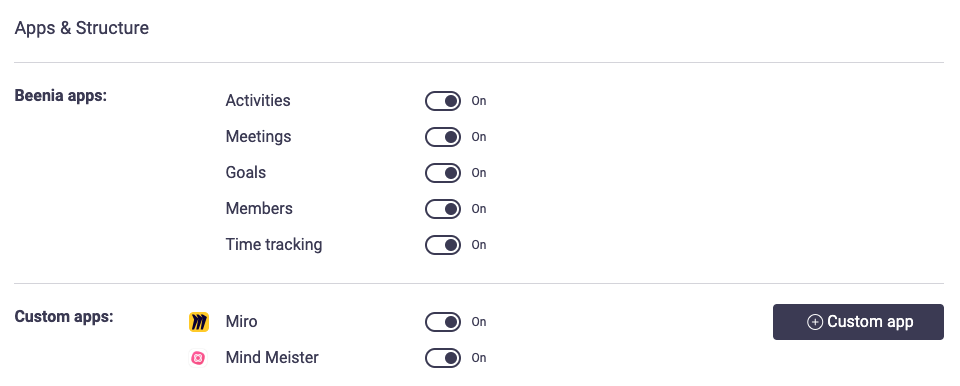
- Integrations: Sync Beenia with external tools like HubSpot or Miro to enhance functionality.

Best Practices for Account Structure
- Start with Key Workspaces: Create workspaces based on your main focus areas or departments.
- Keep It Simple: Avoid overloading your account with too many workspaces initially; expand as your team grows.
- Define Clear Goals: Use the Goals feature to align tasks and measure success.
Conclusion
Understanding and optimizing your account structure is the first step to achieving seamless collaboration and efficient project management in Beenia. With its customizable workspaces, intuitive tools, and integration capabilities, Beenia empowers your team to stay organized and focused on what matters most.