

Effective time tracking is essential for understanding how work is distributed across projects and ensuring accurate reporting. Beenia’s Time Reporting feature provides a clear, structured overview of all recorded time within a workspace. This allows teams to analyze time usage, optimize resource allocation, and simplify billing and approval processes.
Accessing Time Reports
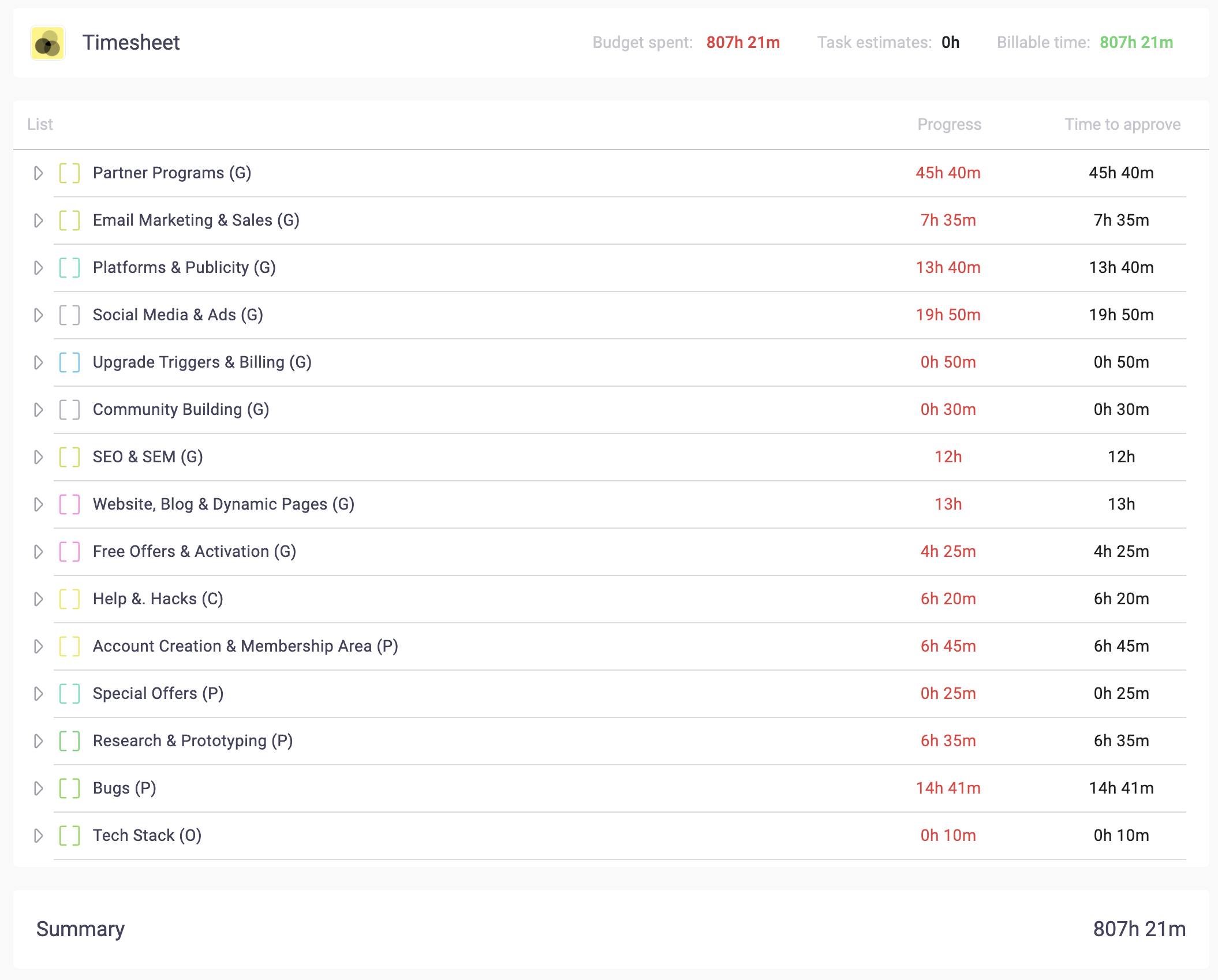
To access time reports, navigate to the Time Tracking tab in the top menu of your workspace. Here, you’ll see a comprehensive breakdown of all recorded time across lists, activities, and team members.
Understanding the Time Report Structure
- Lists Summary – At a glance, see the total time tracked within each activity list.
- Activity Breakdown – Expand a list using the dropdown arrow to view individual activities and the total time recorded per task.
- Detailed Time Entries – Click on an activity to view date-specific breakdowns of when time was logged and by whom.
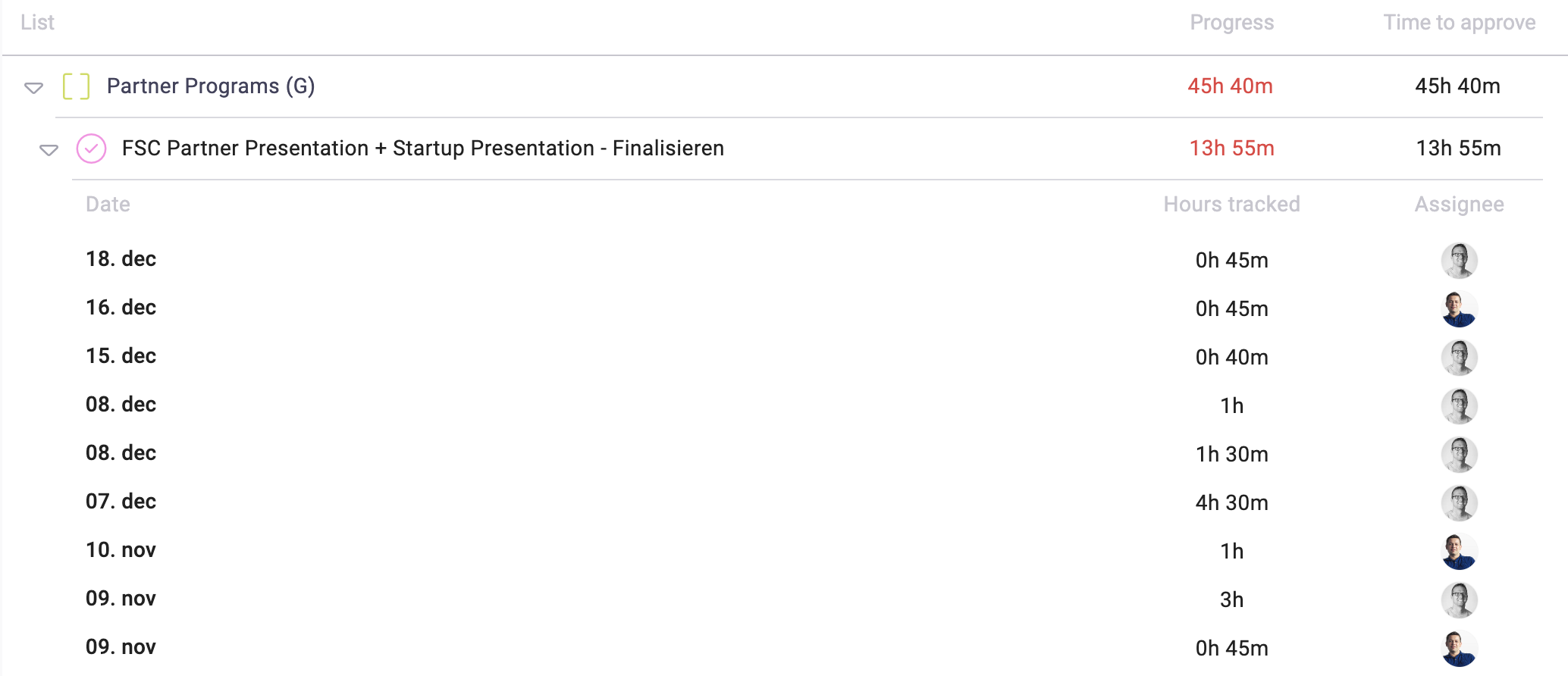
At the bottom of the report, you’ll find a workspace-wide summary, showing the total tracked time across all lists and activities.
Advanced Reporting Features
At the top of the Time Tracking tab, you’ll find key insights and controls:
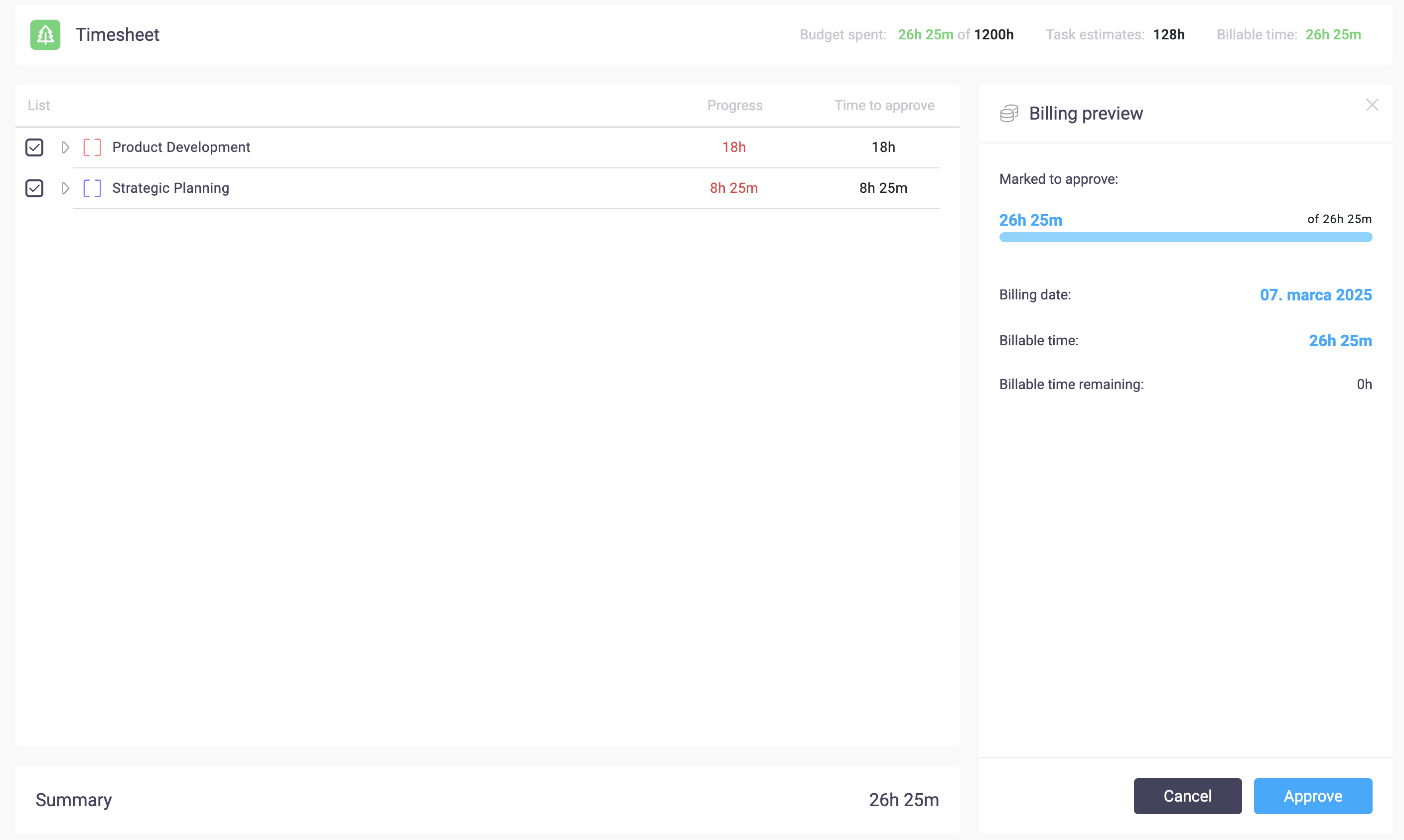
- Estimated vs. Logged Time – Compare planned time (estimates) with actual time spent to evaluate efficiency.

- Billable Time Overview – View billable hours and the remaining time available before reaching the planned budget.
- Approval Workflow – If time entries require approval, managers can review and mark hours as approved for billing or internal reporting.
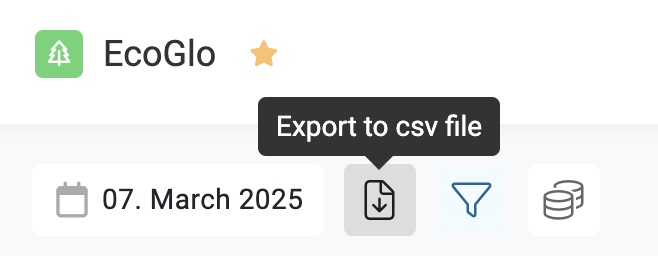
- Export Options – Easily export time data into a CSV file for further analysis or invoicing.
Why Use Time Reporting?
Time reporting in Beenia provides teams with real-time insights into productivity and project costs. It helps companies track progress against budgets, ensure fair billing for client projects, and identify areas where processes can be optimized.
By keeping all time records centralized in Beenia, you eliminate the need for separate time-tracking tools, keeping everything in one streamlined system for better visibility and efficiency.