
Collaboration doesn’t stop at your team—sometimes, you need to share tasks with external stakeholders, such as clients, partners, or freelancers. Beenia makes it easy to share boards and activities with non-users while keeping control over access and permissions.
How to Share Activities and Boards
- Enable Public Collaboration – In workspace settings, turn on public access to allow sharing with external users.
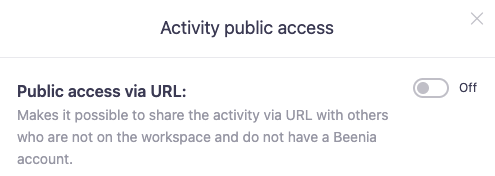
- Generate a Shareable Link – Open an activity or board, click on the "Public Access" option in the context menu, and copy the generated link.
- Set Permissions – Choose whether the shared content is view-only or allows limited interactions.
- Send the Link – Share the link via email, chat, or any preferred communication channel.
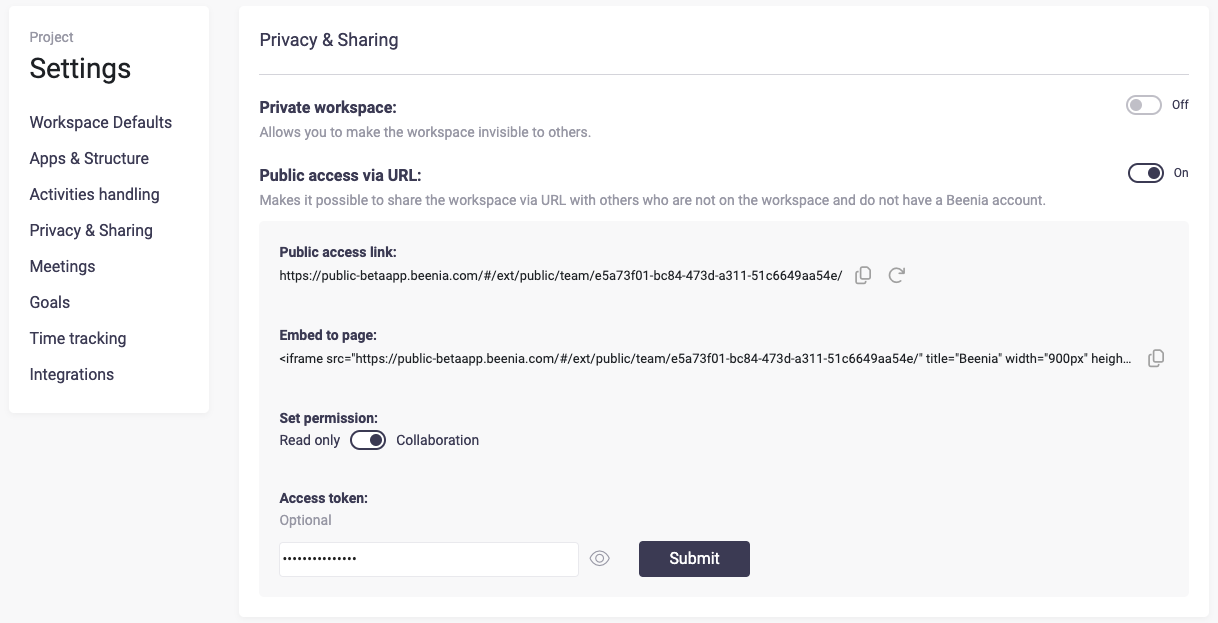
Why Use Public Sharing?
- Client Transparency – Share progress updates without requiring clients to sign up.
- External Feedback – Allow advisors, investors, or partners to review key activities.
- Smooth Collaboration – Work with freelancers or external teams without adding them to your workspace.
Best Practices
- Control Access – Only enable public sharing for activities that require external input.
- Regularly Review Shared Links – Disable links when they’re no longer needed to maintain privacy.
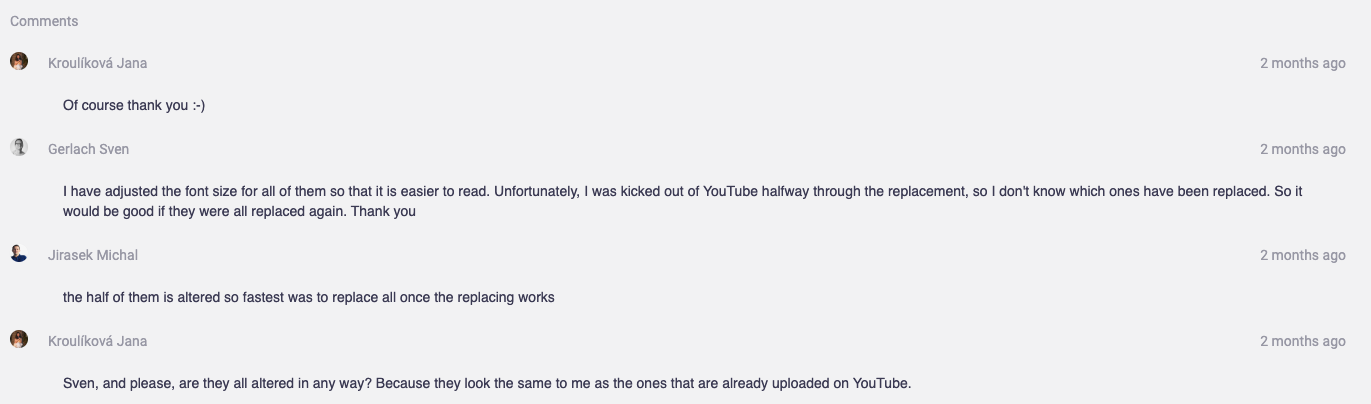
- Use Comments for Communication – Even non-users can see important updates through shared activity details.
By leveraging public collaboration in Beenia, you can keep external stakeholders informed and enhance teamwork beyond your internal workspace.