
HubSpot integration with Beenia simplifies goal tracking, activity management, and workflow automation, allowing your team to focus on growth acceleration. This integration connects HubSpot’s leading CRM system with Beenia’s collaborative platform, enabling seamless synchronization for efficient and strategic work management. Track goals in real-time, tie activities directly to goals, and understand what drives your success.
Connect Beenia to HubSpot
To get started, ensure you have an active HubSpot account. Then, connect it to Beenia by following these steps:
- Navigate to the dashboard of your workspace in Beenia.
- Click on the gear icon in the upper-right corner to open the Settings menu.
- Go to the Integrations tab, find HubSpot in the list, and toggle the integration on.
- Log in to your HubSpot account when prompted and grant the necessary permissions to complete the connection.
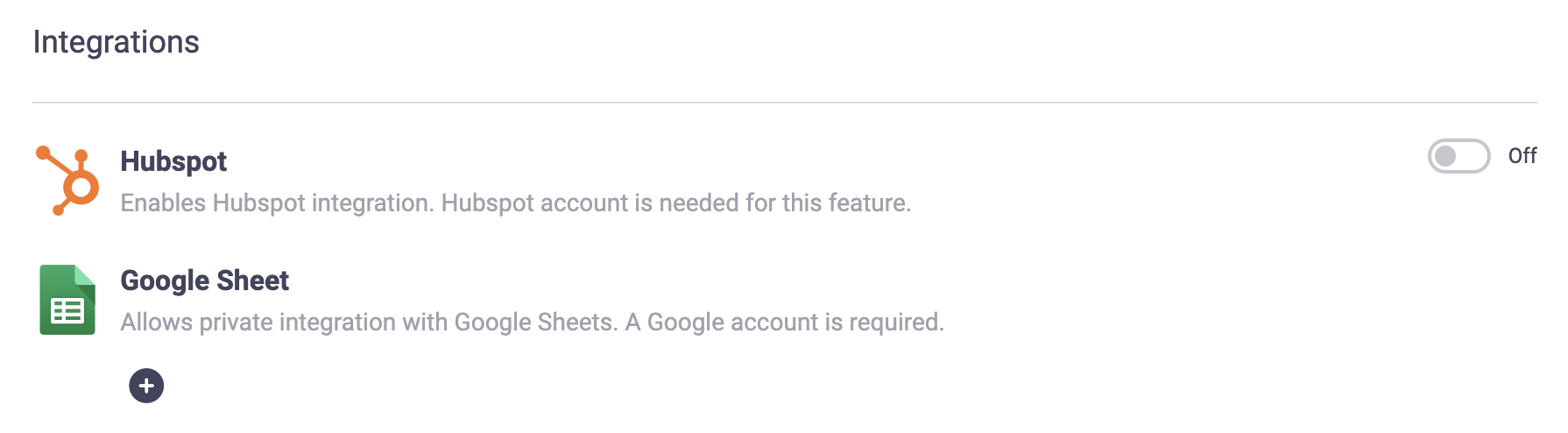
You can connect one HubSpot account per Beenia workspace. This integration lays the foundation for real-time goal tracking and seamless collaboration.
Create Goals and Subgoals in Beenia
In Beenia, goals and subgoals help structure your work and align your team.
- Navigate to the Goals section in your Beenia workspace.
- Click on Create Goal and provide a title, deadline, metric, and target value.
- Use subgoals to break larger objectives into actionable steps for better organization and focus.
Use HubSpot Data to Track Goals
With HubSpot integration, you can track goal progress in real time:
- In the Goal Settings, select "Use external source" to connect HubSpot data to your goal.
- Choose a HubSpot data type, such as contact lists or deal stages.
- Retrieve the relevant ID:
- For deal stages, navigate to HubSpot settings > objects > deals and pipelines. Hover over the desired stage and copy the internal ID.
- For contact lists, navigate to lists, open the list details, and copy the list ID.
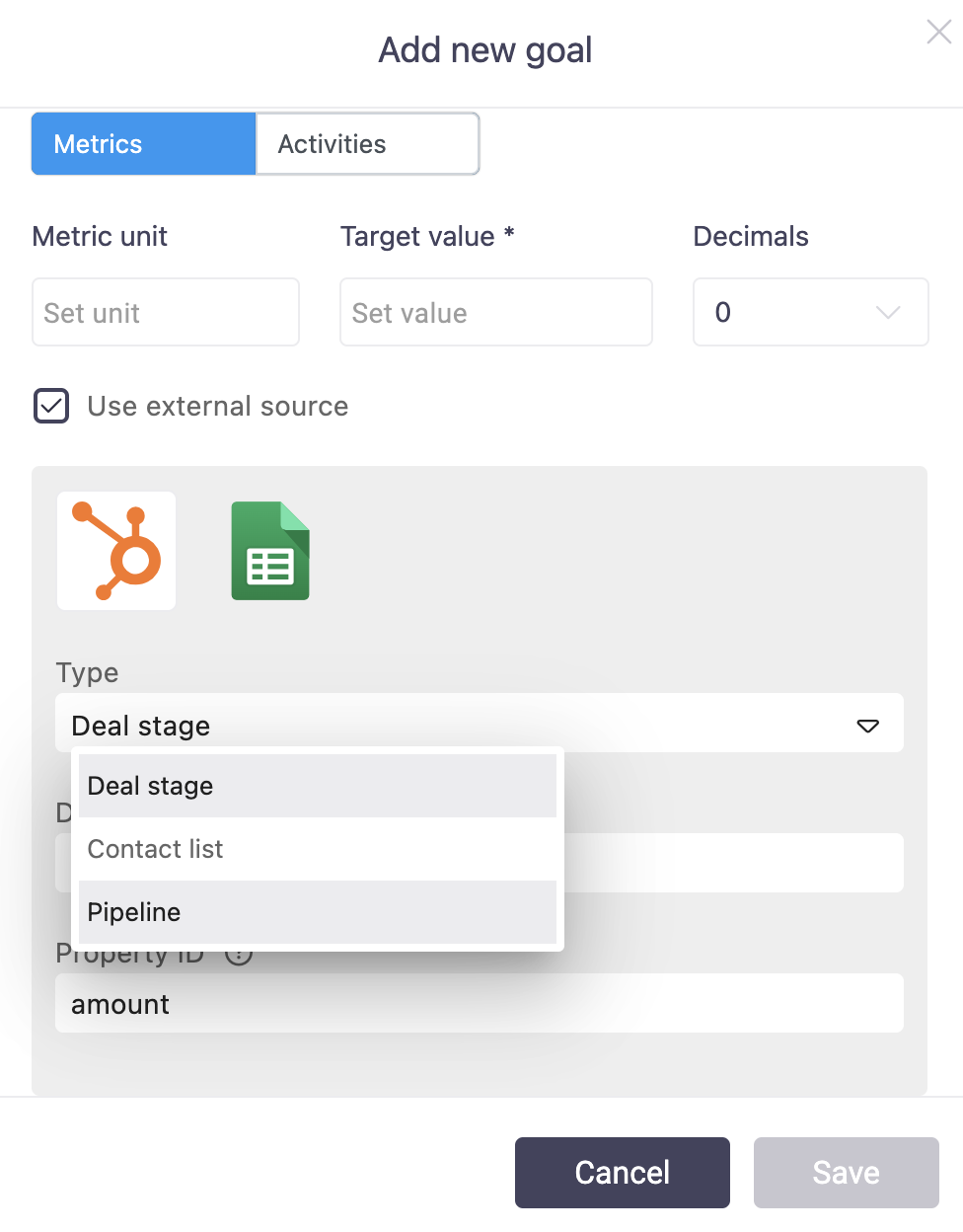
Add the ID to the goal settings in Beenia. Click the refresh icon to pull real-time data from HubSpot, ensuring your goals remain up-to-date and accurate.
Create Activities and Tie Them to Goals
In Beenia, activities are the actionable steps tied to your goals:
- Create activities in your Beenia workspace.
- Link these activities to specific goals, either manually or through rule-based matching.
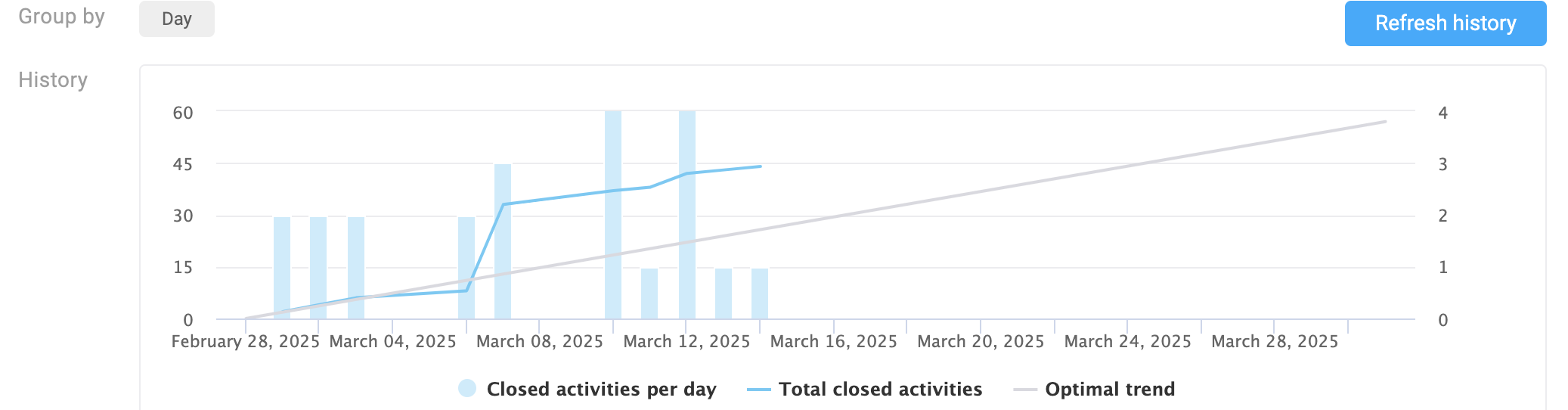
- Use the goals section to monitor which activities are driving progress.
Unlock Efficiency with Beenia and HubSpot
By integrating Beenia with HubSpot, you create a streamlined system for managing goals, activities, and results. This connection ensures your team stays focused, your data remains current, and your workflows are optimized for success.
Simplify your growth journey by using Beenia and HubSpot together—align your strategy, save time, and achieve more.