
Embedding videos directly into your Beenia activities allows for quick access to essential content without switching between multiple tools. Whether you need instructional videos, project references, or recorded meetings, this feature helps keep all relevant information in one place.
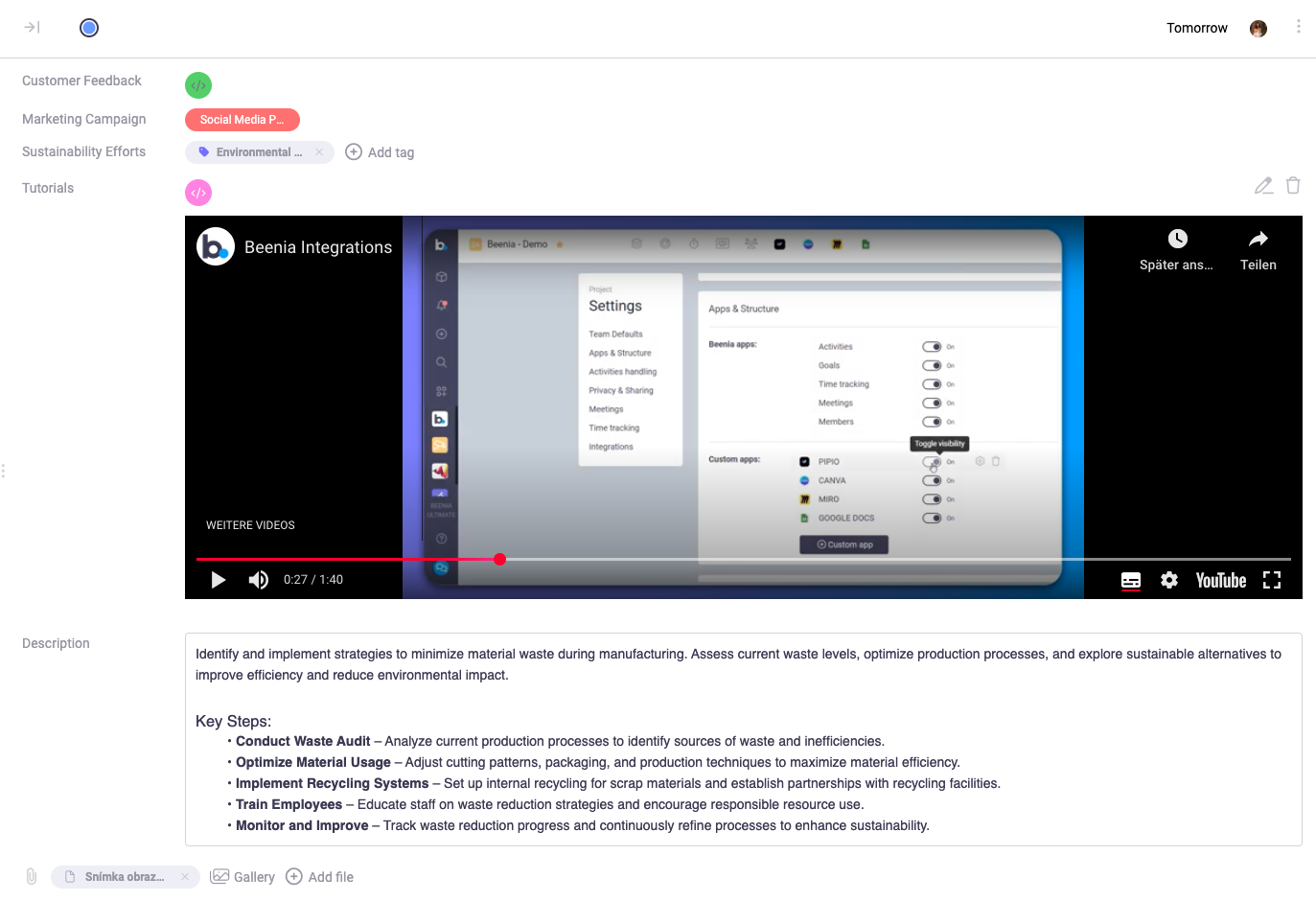
How to Enable Video Embedding in Beenia
To embed YouTube, Vimeo, or Canva links, you first need to create a custom field that supports embedded content. Follow these steps to set it up:

- Access Workspace Settings – Click on the gear icon in the top right corner to open workspace settings.
- Navigate to Activities Handling – In the settings menu, go to the "Activities Handling" tab.
- Create a New Custom Field – Scroll down to "Custom Fields" and click Add New Custom Field.
- Enable Embedding – Choose the Embed field type and switch the toggle from Off to On.
- Save the Custom Field – Once set up, this field will be available for all new activities within your workspace.
Adding Videos to an Activity
Once the embed field is created, you can add videos to any activity:
- Open an activity where you want to add a video.
- Locate the custom field section and click on the Embed icon (<>).
- Paste a YouTube, Vimeo, or Canva link into the field.
- Click Save Embed Link, and the video will now be displayed directly within the activity.
Practical Uses for Embedded Videos
Embedding videos in activities can improve efficiency and streamline workflows. Here are some ways to utilize this feature:
- Onboarding & Training – Attach instructional videos to new hire tasks for quick access to learning materials.
- Project Documentation – Keep essential project walkthroughs directly within relevant activities.
- Client Collaboration – Share product demos or presentations with team members or external stakeholders.
- Meeting Recaps – Embed recorded video meetings to provide context for future reference.
By embedding videos directly into Beenia, you enhance collaboration, improve accessibility, and keep important content within your workflow. Try it today and streamline your task management process!