
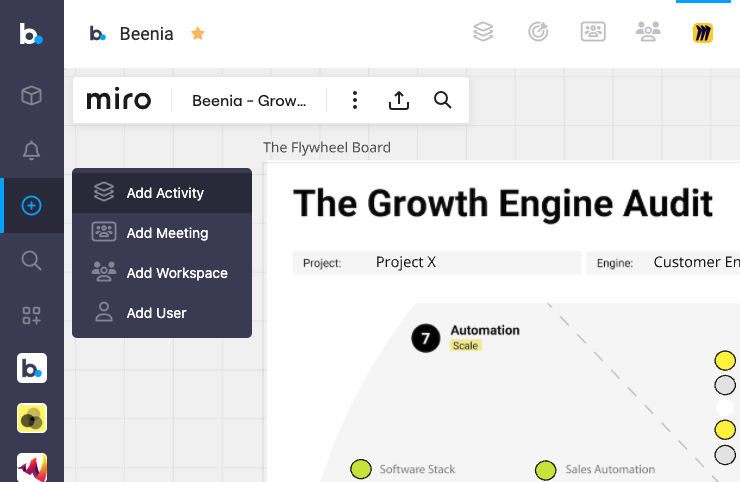
Beenia’s custom app integration allows you to bring your favorite tools, like Miro, Canva, and more, directly into your workspace. This feature is designed to enhance collaboration, centralize your workflow, and boost productivity by eliminating the need to switch between multiple platforms. Here's how it works and why it’s a game-changer.

Why Use Custom App Integration?
Embedding external applications into Beenia offers significant advantages:
- Centralized Workflow: Keep all your tools in one place, reducing distractions and saving time.
- Enhanced Collaboration: Work on Miro whiteboards or Canva designs alongside your team in Beenia without leaving your workspace.
- Streamlined Processes: Turn ideas from external apps into actionable tasks within Beenia effortlessly.
- This is ideal for teams focused on brainstorming, design, and strategic planning, such as product development teams, marketing agencies, and innovation labs.
How to Embed Custom Apps
Navigate to Workspace Settings:
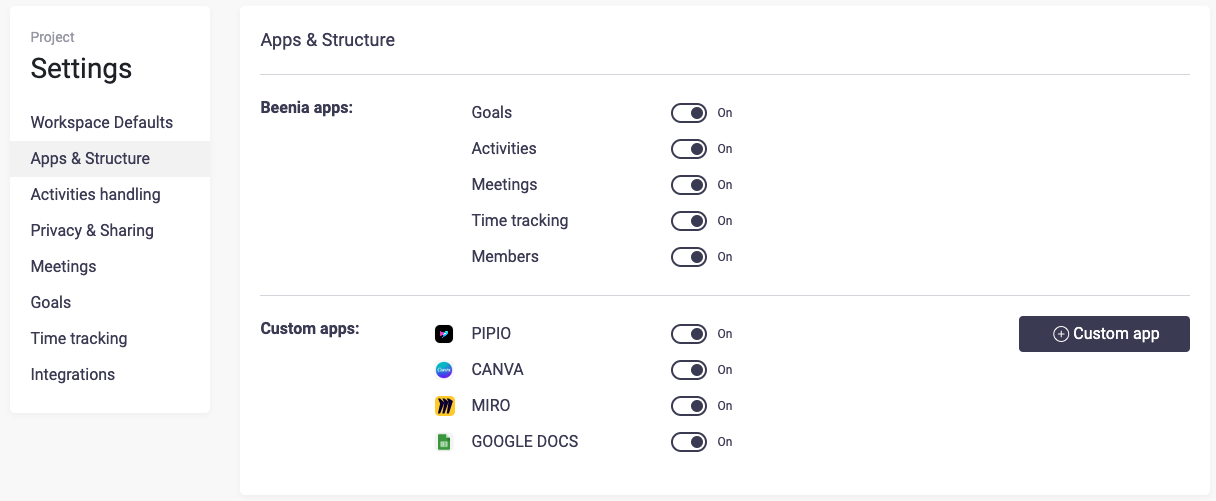
Open the workspace where you’d like to embed your app. In the top-right corner, click on the Workspace settings (gear icon) and select "Apps & Structure."

Create a Custom App:
Under "Custom Apps," click "Create Custom App." Choose the type of app you want to embed (e.g., Miro or Canva) and give it a name for easy identification.
Paste the Embed Code:
Copy the embed code from your external app. For instance:
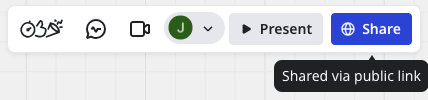
- In Miro, click the blue “Share” button and select “Embed Code.”
- In Canva, go to the share menu and generate a link.
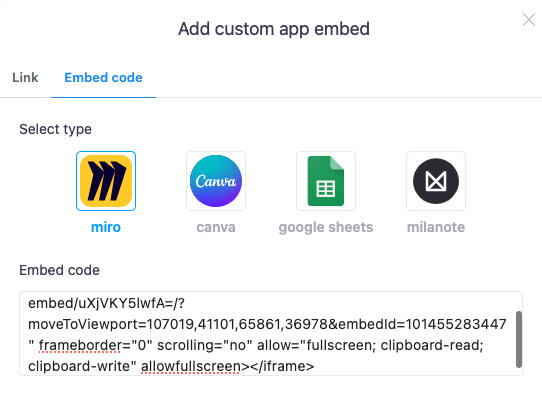
- Paste the embed code into the designated field in Beenia.
Save and Access:
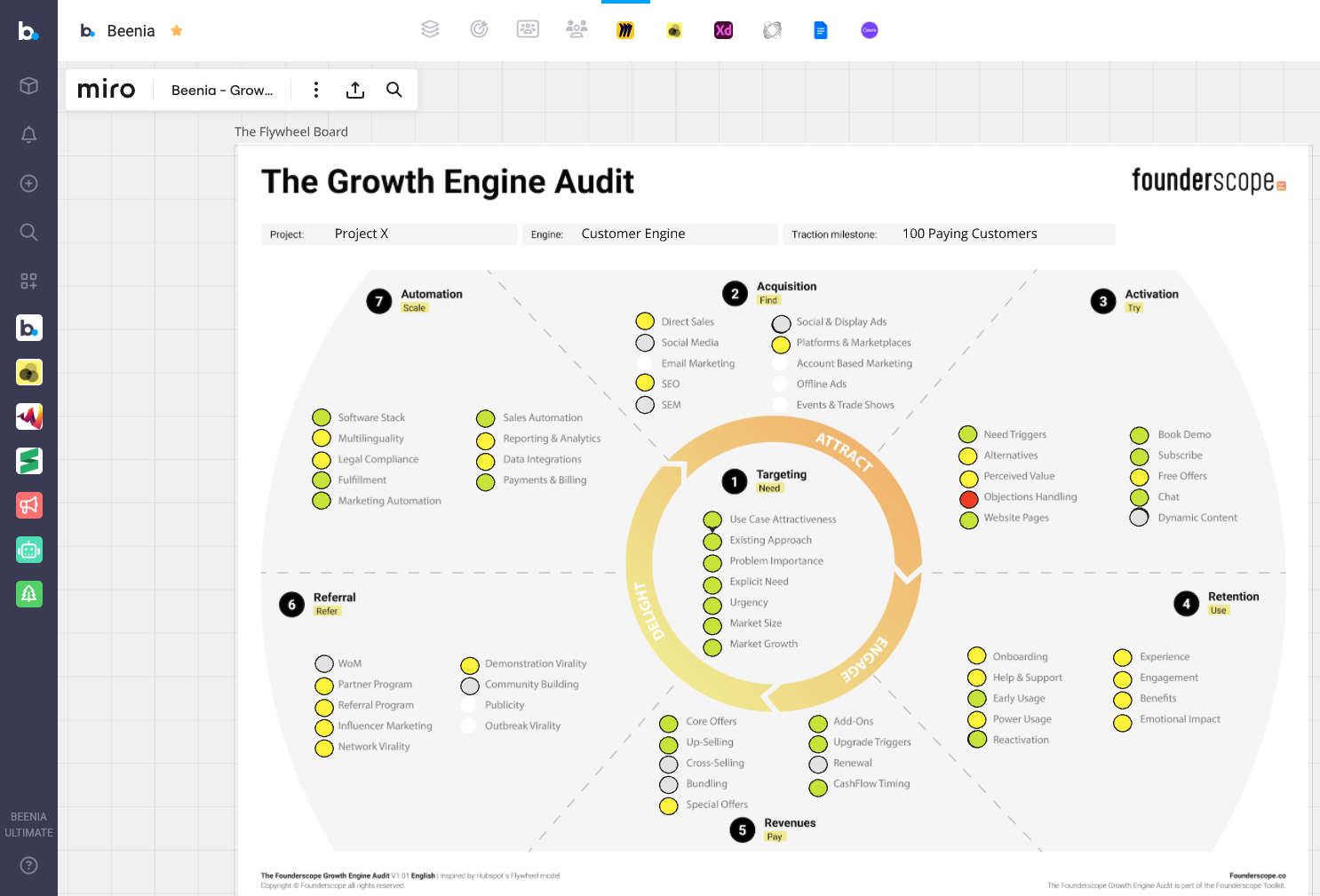
Save your settings. A new icon representing the embedded app will now appear in your workspace navigation bar.
Practical Tips for Using Embedded Apps
- Brainstorm Smarter: Use Miro for mind mapping and embed the board to instantly turn ideas into tasks in Beenia.
- Visual Content Creation: Embed Canva to create marketing assets and assign tasks for approvals and revisions directly in Beenia.
- Simplify Meetings: Add external apps for presentations or prototyping to streamline discussions and decisions.
- Activity Creation: While working on an embedded app, create and assign tasks directly in Beenia to ensure immediate follow-up.
Who Benefits Most?
This feature is perfect for startups, creative teams, and large organizations that rely on multiple tools for brainstorming, planning, and execution. By embedding external apps, they can maintain focus, improve collaboration, and accelerate progress.
Final Thoughts
Embedding apps like Miro, Canva, or others into Beenia transforms how teams work, ensuring every idea is captured and executed efficiently. Whether you're brainstorming, designing, or planning, this feature helps you achieve more with less effort.
Start integrating your favorite tools today and experience seamless collaboration like never before!