
Stay connected and manage your work effortlessly with the Beenia mobile app. Whether you're on the go or need quick access to your tasks, goals, and activities, Beenia’s mobile app provides a streamlined way to stay organized.
How to Download the Beenia Mobile App
- Go to Google Play Store
- Open the Google Play Store.
- Search for "Beenia"
- Type Beenia in the search bar and find our official app.
- Download & Install
- Click Install to add Beenia to your mobile device.
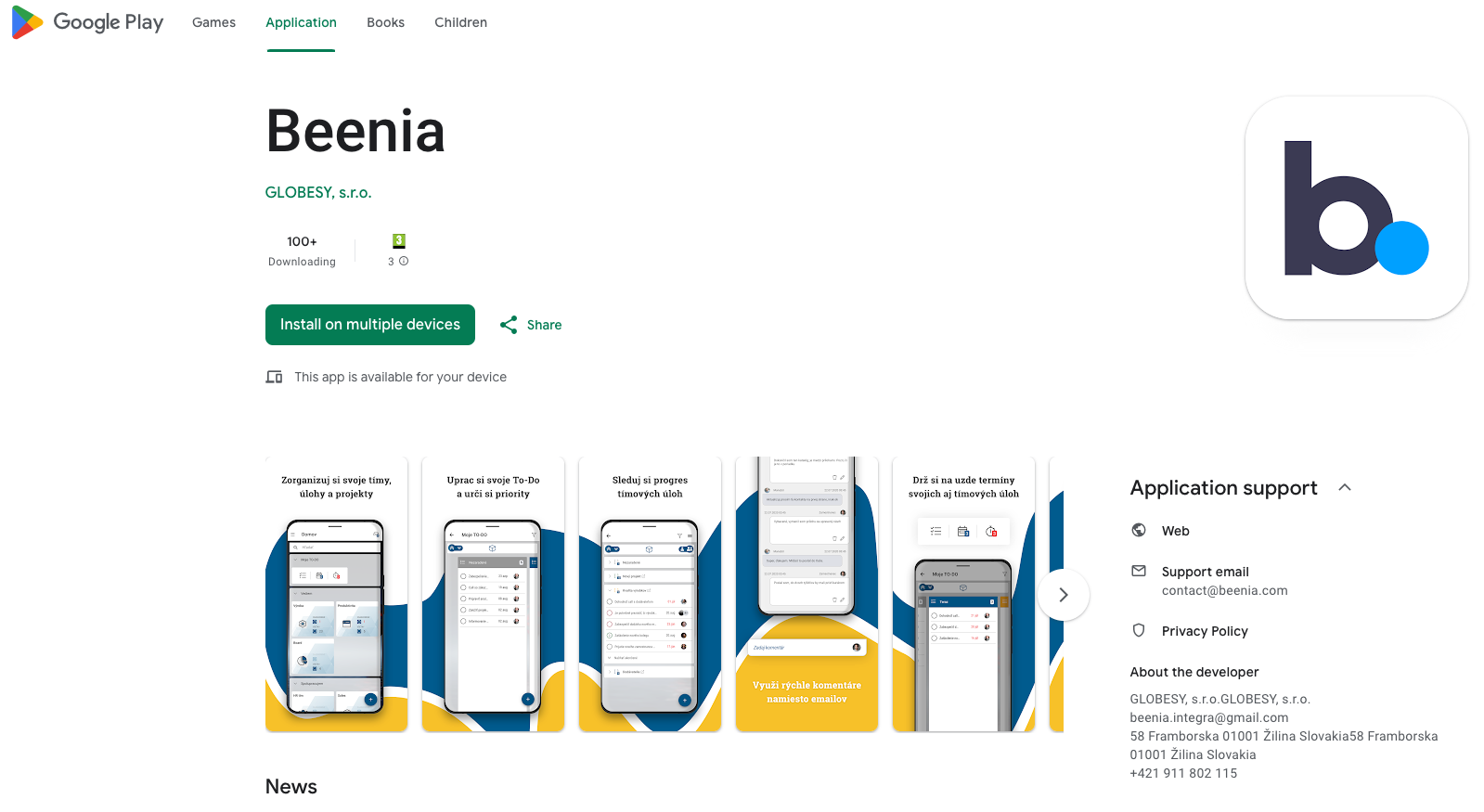
Link to download: https://play.google.com/store/apps/details?id=com.beenia.mobile&pcampaignid=web_share
What to Expect from the Mobile App
The Beenia mobile app is designed to help you stay updated on your work, access reminders, and quickly check your activities while on the go. Some advanced features may still be in development, but we’re actively improving the app to bring a full suite of functionality to mobile.
For now, use Beenia Mobile as your handy assistant for quick overviews, reminders, and updates—while the desktop version remains your primary workspace for deeper collaboration and task management. Stay tuned for exciting updates as we continue to enhance the mobile experience!