
The Beenia Dashboard and MyView provide a streamlined way to manage your work, track goals, and stay aligned with your team. These tools ensure that everything you’re responsible for is centralized, helping you focus on what truly matters without switching between multiple workspaces.
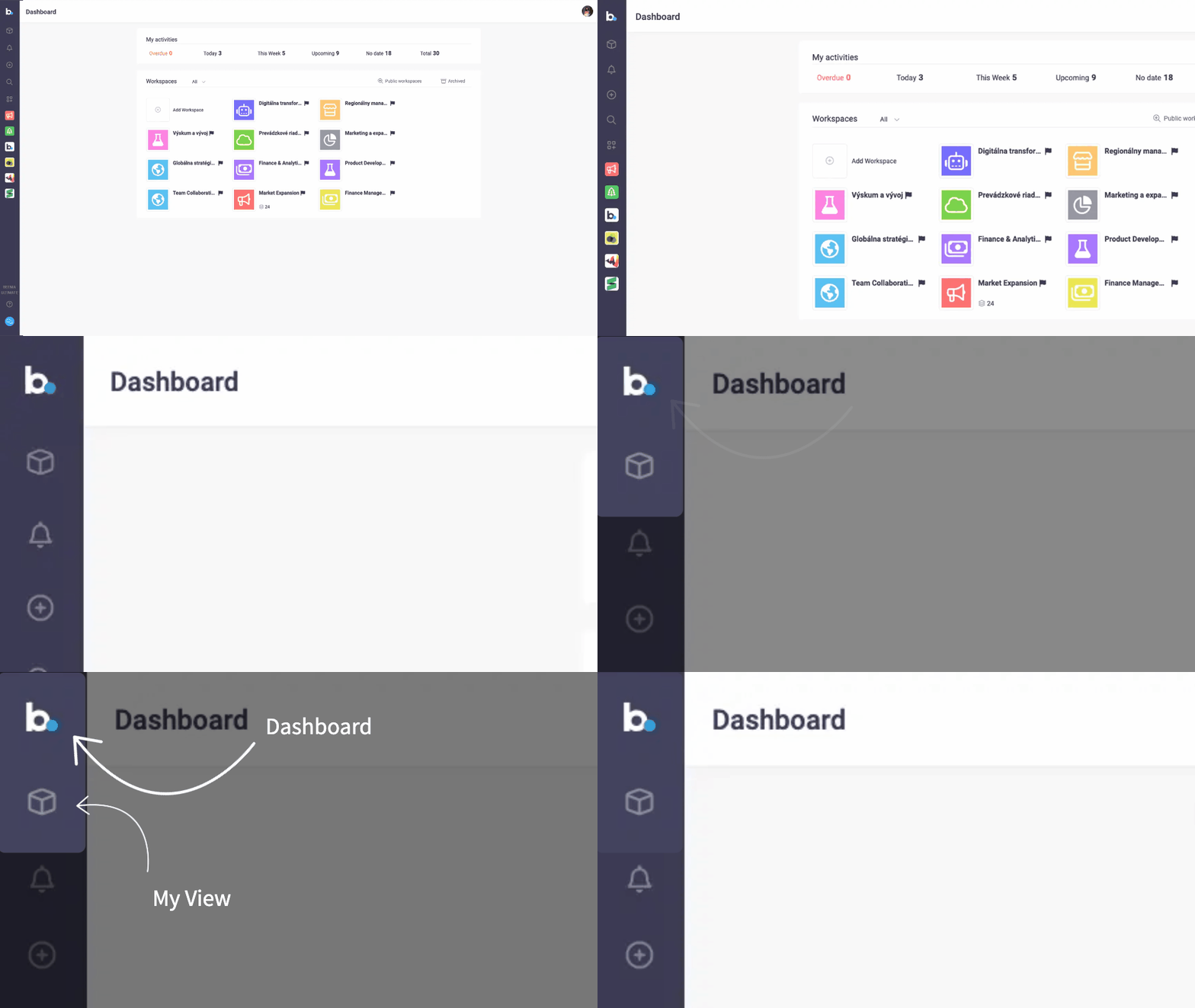
Navigating the Dashboard
When you log into Beenia, you land on the Dashboard, your personal home screen. Here, you’ll find a summary of all your activities, categorized into key sections:

✔ Overdue – Activities that require immediate attention
✔ Today – Tasks due today
✔ This Week – Upcoming tasks for the week
✔ Upcoming – Future tasks
✔ Without Deadline – Tasks without set due dates
✔ All Activities – A complete view of your workload
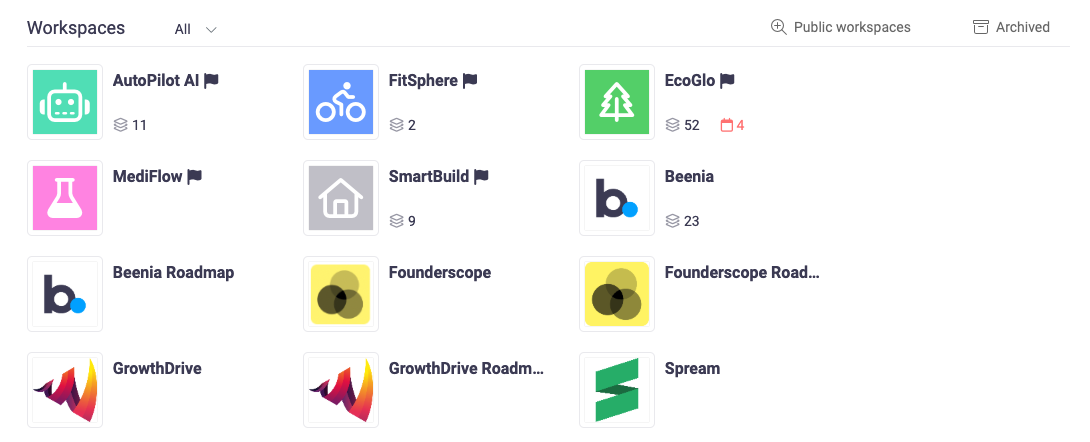
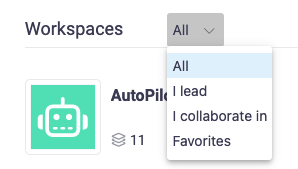
Below this summary, you’ll see all your team spaces, represented by icons. Clicking on a team icon takes you directly to that workspace. If you are part of multiple teams, you can filter them using the dropdown menu, selecting from:
🔹 All Teams
🔹 Teams You Lead
🔹 Teams You Collaborate In
🔹 Favorite Teams
At any time, you can return to the Dashboard by clicking the Beenia logo in the top-left corner.
Exploring MyView
Directly below the Beenia logo, you’ll find the MyView icon (a cube symbol). MyView acts as your personal workspace, displaying only activities, goals, and meetings that are:
✅ Assigned to you
✅ Created by you
✅ Relevant to your responsibilities
In the top navigation bar, you can switch between:
📝 My Activities – See and manage your assigned tasks
🎯 My Goals – Track progress on your personal and team goals
📅 My Meetings – View and manage scheduled meetings
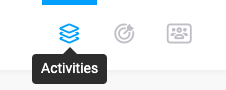
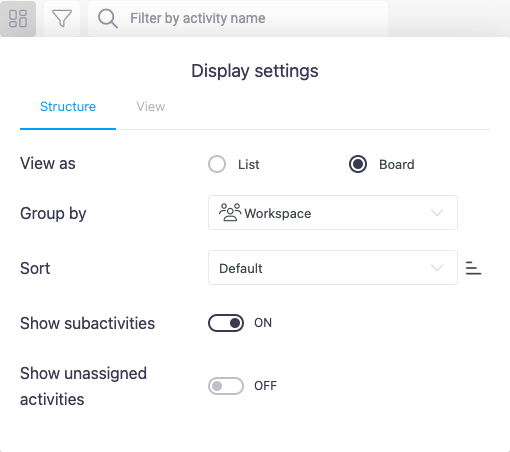
The section Acitivity offers custom filters, allowing you to adjust the view, change sorting options, or switch between list and board layouts for better organization.
Maximizing Your Workflow
🔹 Use Filters – Customize how you see activities for better focus.
🔹 Declutter with Subactivity Hiding – Keep your workspace clean by showing only main tasks.
🔹 Batch Edit Activities – Save time by updating multiple tasks at once.
🔹 Link Tasks to Goals & Meetings – Ensure alignment with larger objectives.
With Beenia’s Dashboard & MyView, managing your workload is simpler and more efficient. These tools help you stay organized, keep track of priorities, and navigate your tasks effortlessly—all in one place.