
Workspaces in Beenia are the foundation for organizing your team’s projects, tasks, and goals. Setting up a new workspace is quick and straightforward, but taking a few extra steps at the beginning can make a big difference in how effectively your team collaborates.
How to Create a Workspace
Navigate to Homepage Dashboard:
- Click the "Create Workspace" button.

Name Your Workspace:
- Choose a clear and descriptive name, such as Marketing Campaigns or Product Development.
Customize Settings:
- Access the workspace settings to adjust permissions, visibility, and app availability.

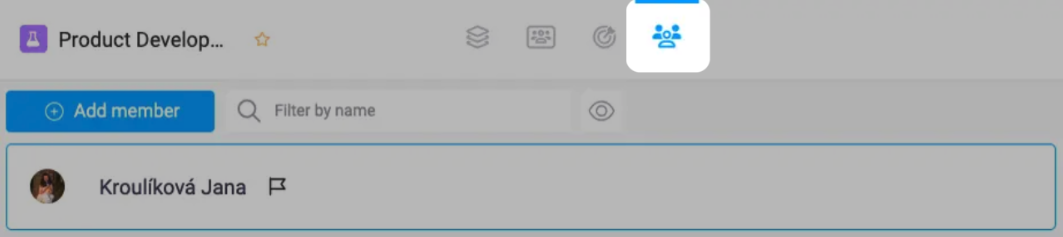
Invite Team Members:
- Add team members by sending email invitations. Assign roles, such as admin, editor, or viewer, to control access and responsibilities.
Key Setup Tips for a New Workspace
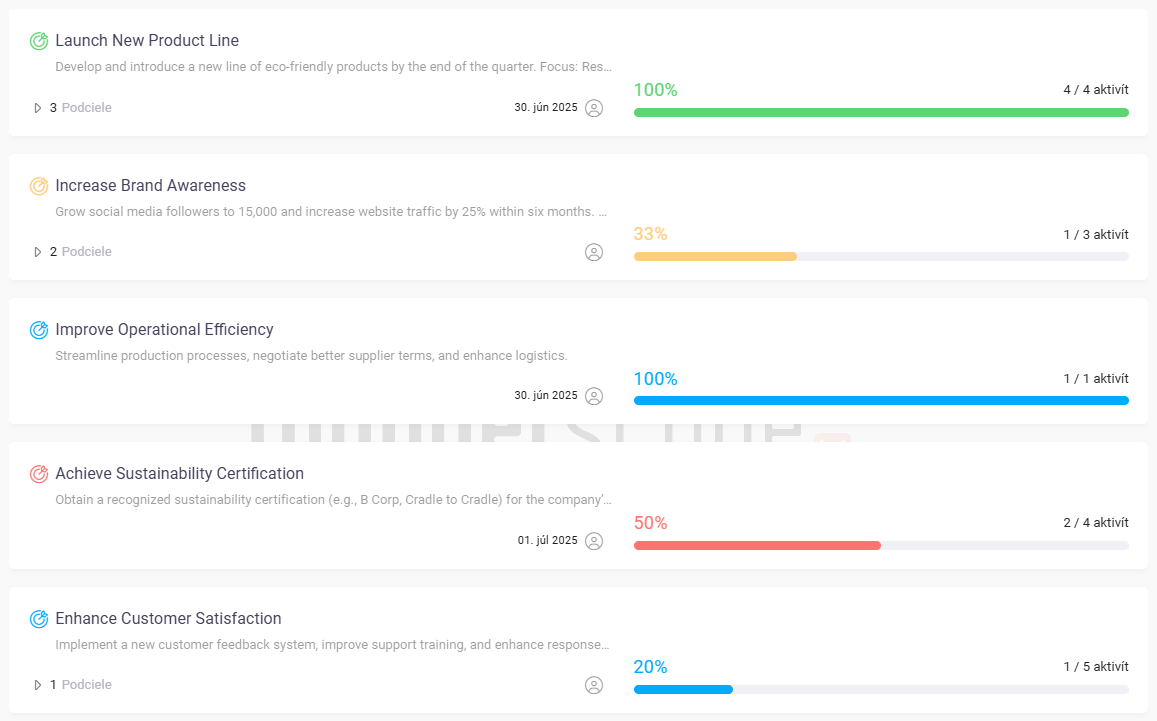
Define Goals Early:
- Set initial goals that align with your team’s priorities. Clear goals help structure tasks and keep everyone focused.
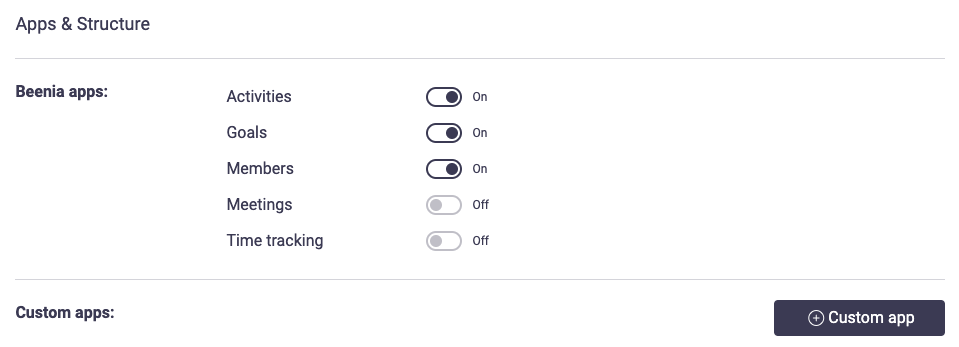
Enable Relevant Apps:
- Decide which apps your workspace needs, such as Activities, Goals, or Meetings. Deactivate unnecessary apps to keep things tidy.
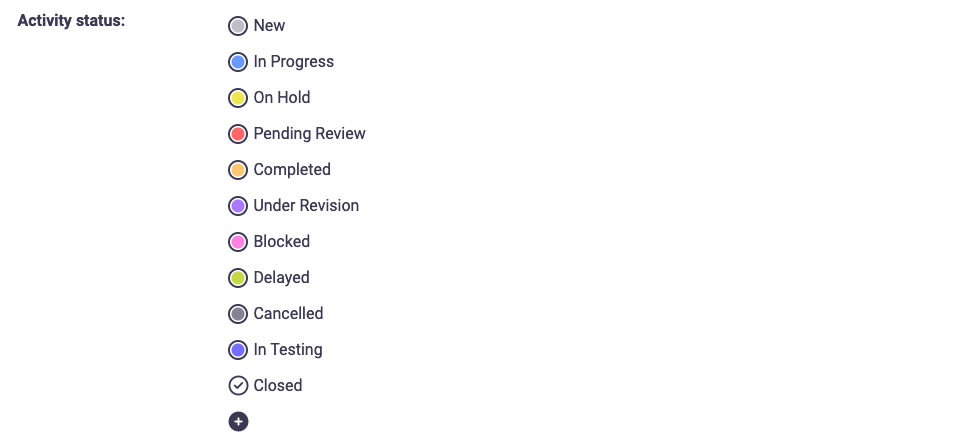
Customize Task Statuses:
- Create custom statuses (e.g., In Progress, Under Review, Completed) that reflect your team’s workflow.
Organize Activities:
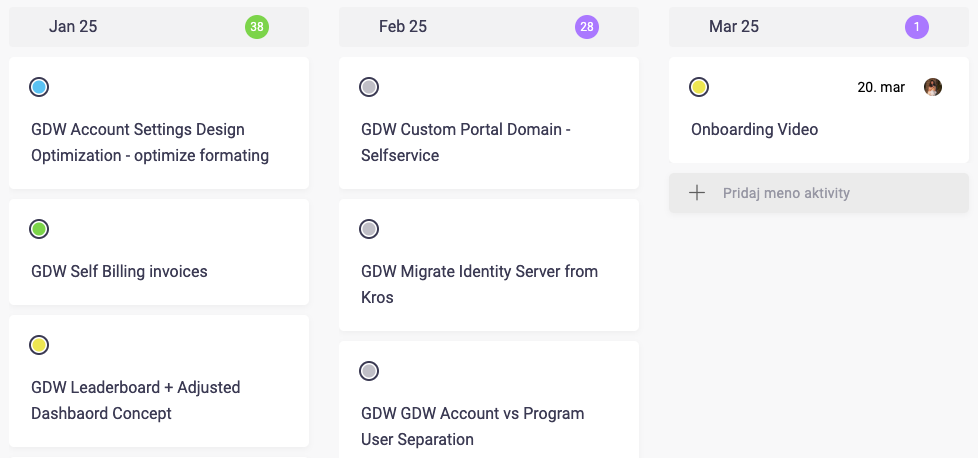
- Set up columns in your activity board, such as January 25, February 25, and March 25. This provides a clear visual overview of your tasks.
Pro Tips for Success
Use Workspaces Strategically:
- Create separate workspaces for different departments or projects to avoid clutter.
Set Rules for Automation:
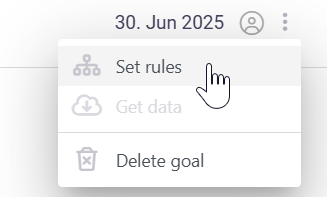
- Take advantage of Beenia’s rule-based logic to automatically assign tasks to goals.
Communicate Expectations:
- Share with your team how the workspace will be used and encourage feedback to refine the setup.
Conclusion
A well-organized workspace sets the stage for efficient collaboration and goal achievement. By taking the time to customize your workspace and align it with your team’s needs, you ensure a smooth start and a productive workflow. Start creating your first workspace in Beenia today!