
Setting up goals and subgoals in Beenia helps teams stay focused and track progress efficiently. By breaking down larger objectives into smaller, actionable steps, you create a structured approach to achieving success.
Where to Create Goals in Beenia
To create a goal, navigate to your workspace and open the Goals tab. Then:
- Click "Add Goal."
- Give your goal a clear title that reflects the desired outcome.
- Set a deadline, assign team members, and define KPIs (key performance indicators) to measure success.
- If needed, link your goal to real-time data sources like HubSpot to automate tracking.
- Click Save, and your goal will be ready to track.
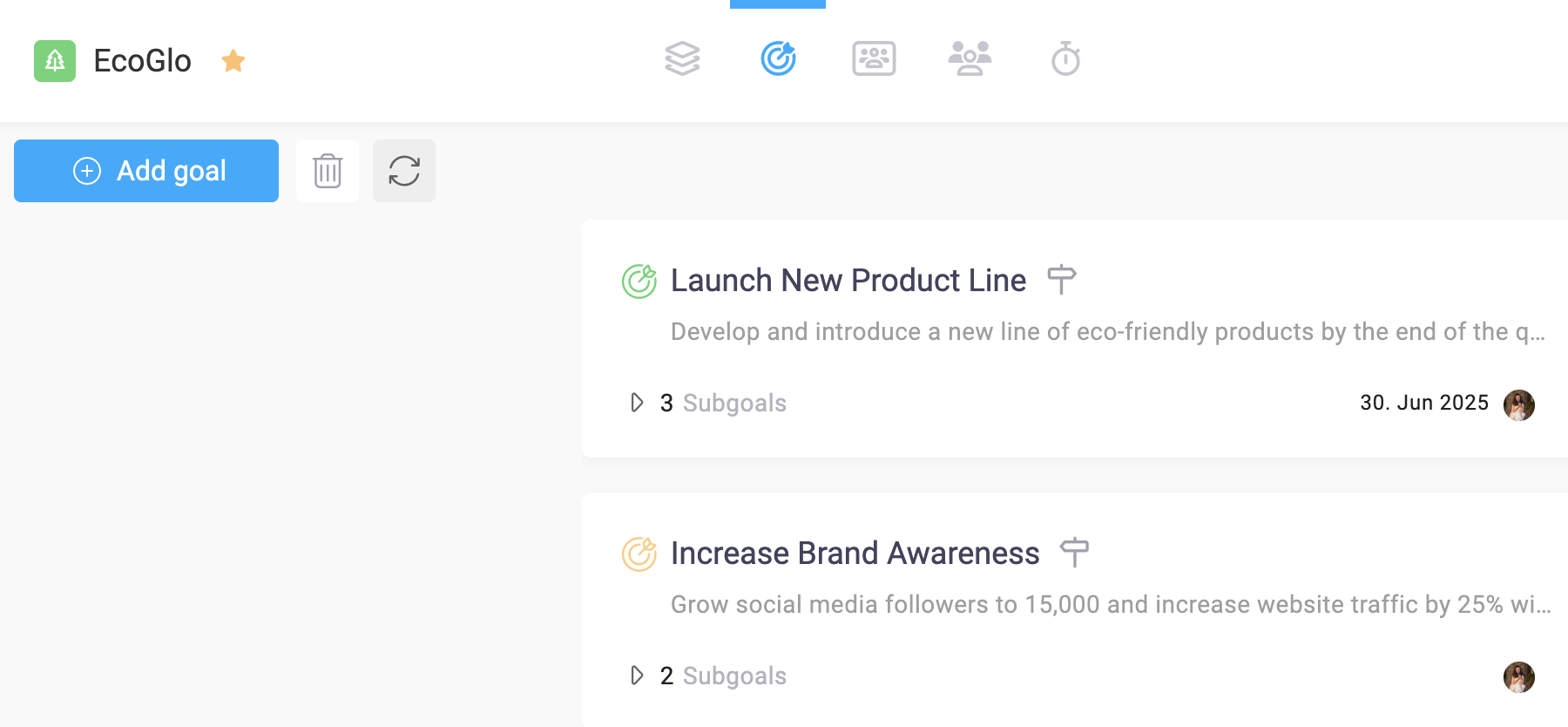
Where to Create Subgoals in Beenia
Once you have a goal, you can add subgoals to break it down into smaller, actionable steps. To create a subgoal:
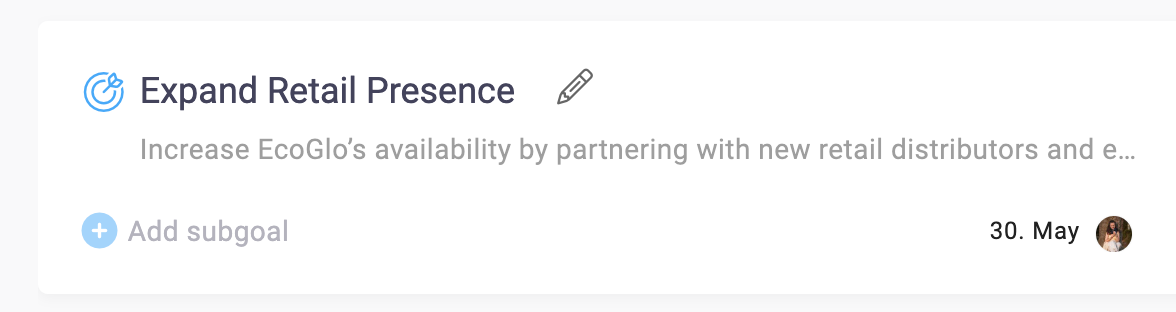
- When you hover the cursor over the created goal, you will see the icon + Add subgoal
- Click "Add Subgoal."
- Define specific outcomes and link relevant activities.
- Assign ownership and deadlines to keep progress on track.
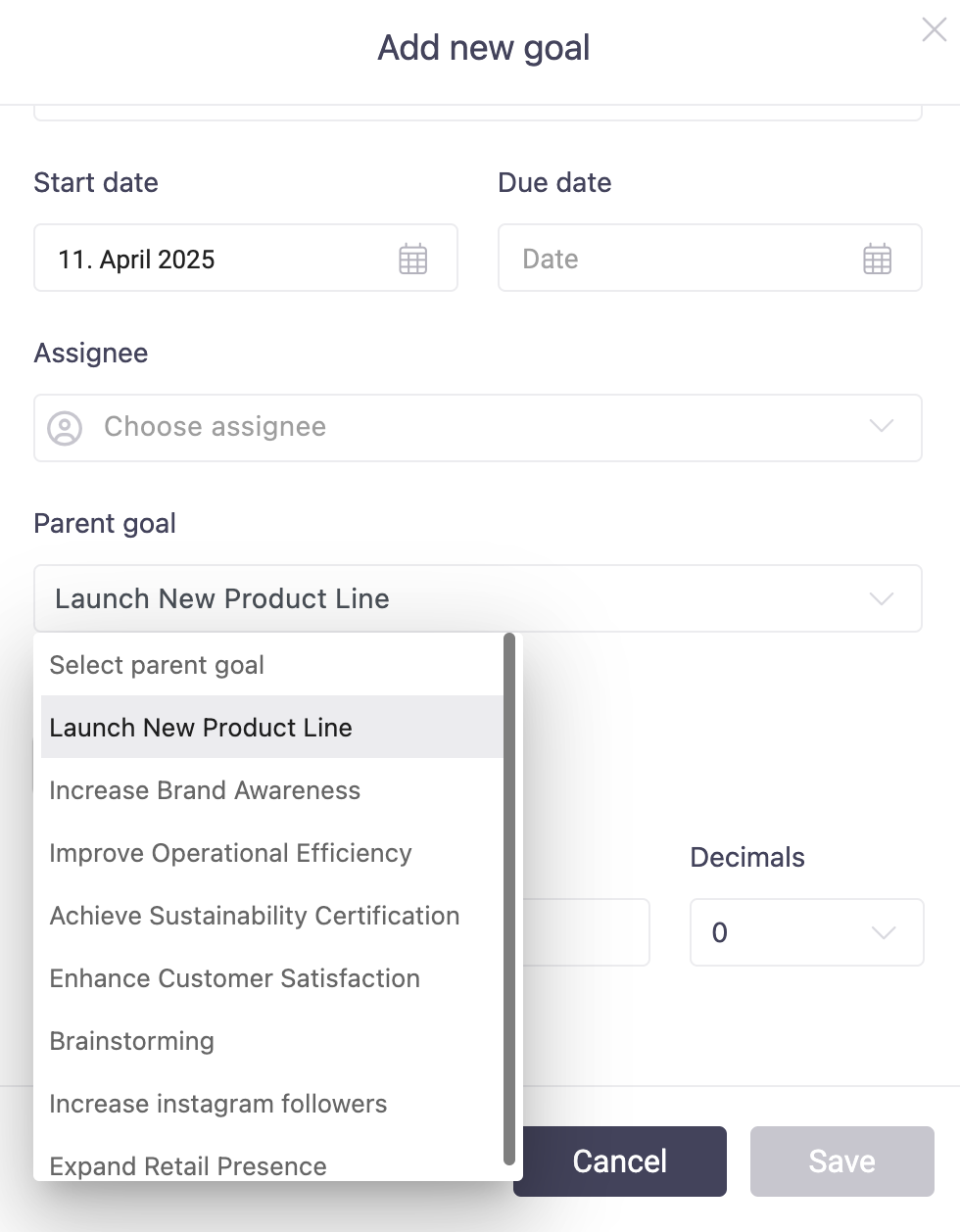
Why Use Subgoals?
Dividing goals into subgoals helps teams:
✔ Maintain clarity on project milestones.
✔ Track progress in smaller, measurable steps.
✔ Assign ownership to different team members for accountability.
✔ Automate goal tracking by connecting subgoals to activities.
With rule-based matching, Beenia automatically assigns tasks to goals and subgoals based on predefined conditions. This eliminates manual tracking and ensures that every completed activity contributes to progress.
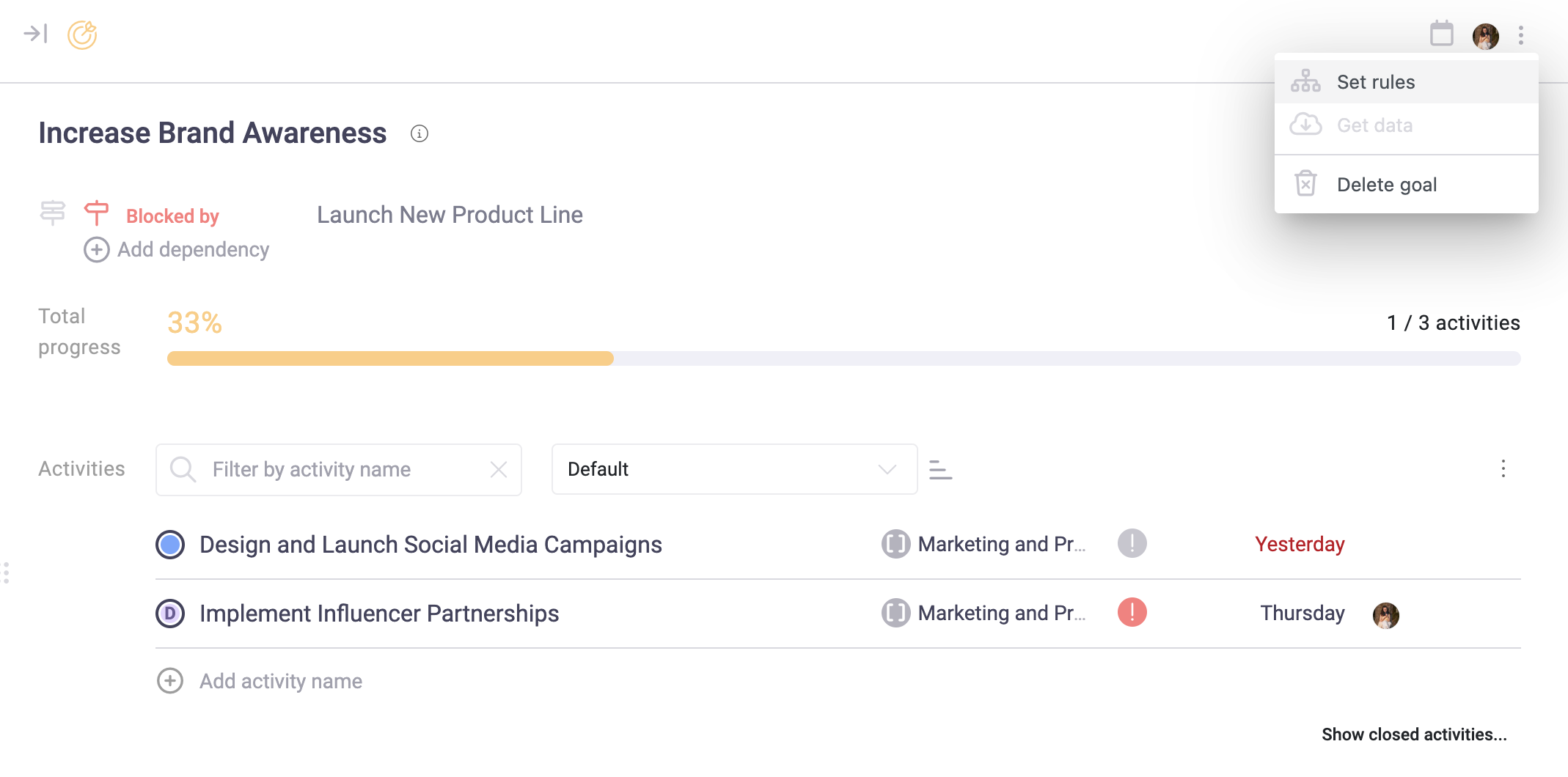
By structuring goals and subgoals effectively, your team can stay aligned, focus on priorities, and track results effortlessly—all within Beenia.