
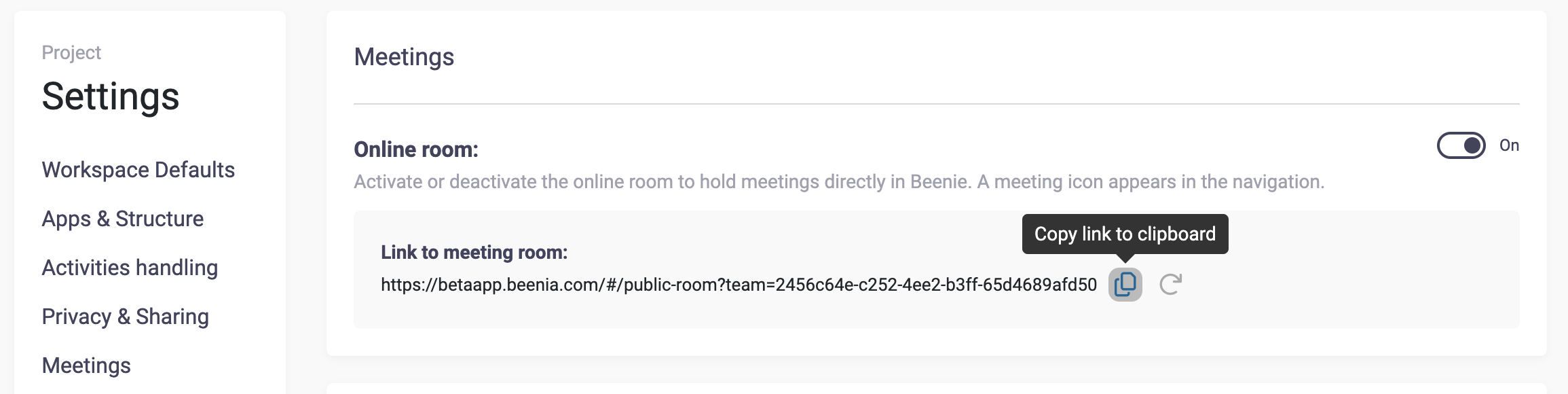
To activate a Meeting Room, navigate to Workspace Settings. Here, you’ll find options to enable an online meeting room.
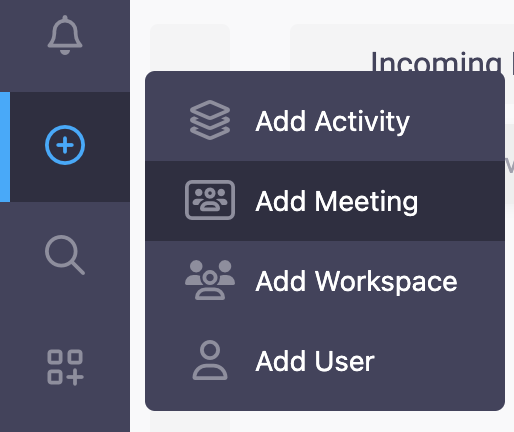
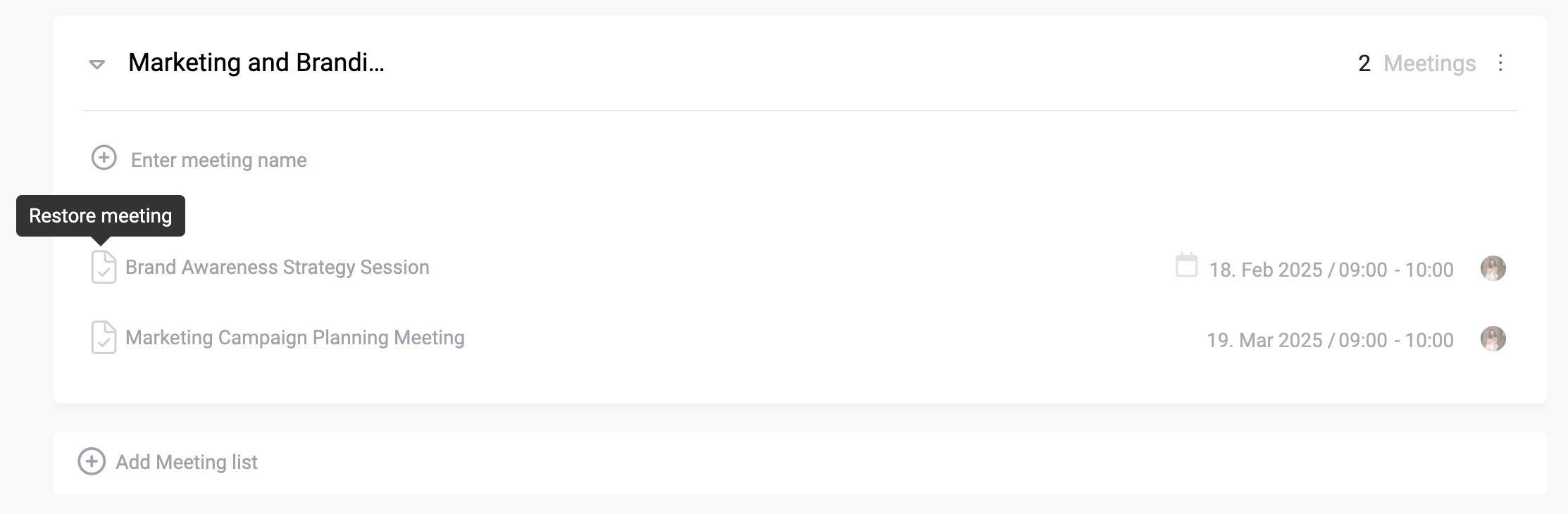
You can create a new meeting by clicking the global add button and selecting "Meeting."
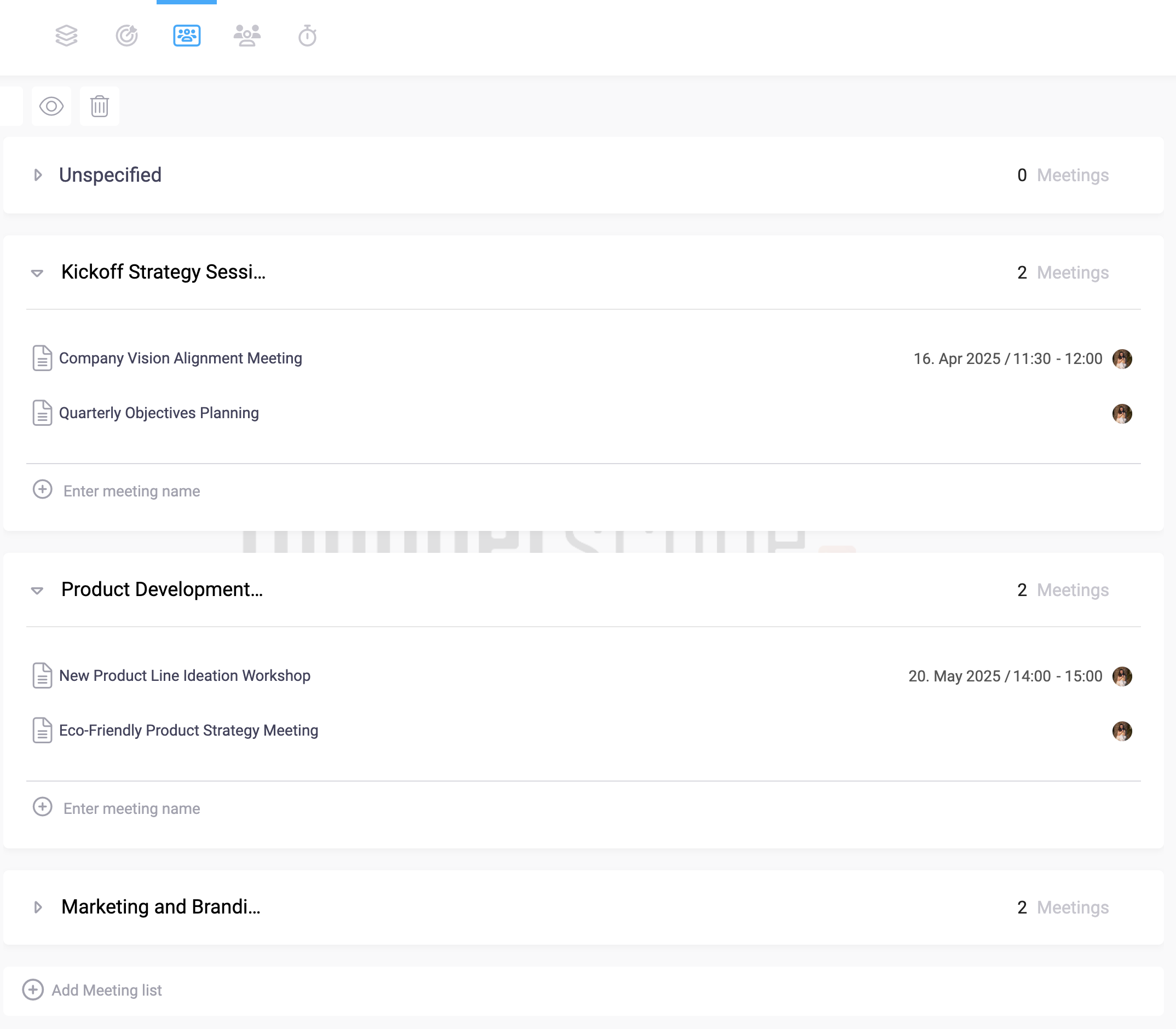
Categorization of meetings
✔ Internal team meetings – Collaborate with your team in a private virtual space.
✔ Client and stakeholder calls – Share a meeting link with external participants.
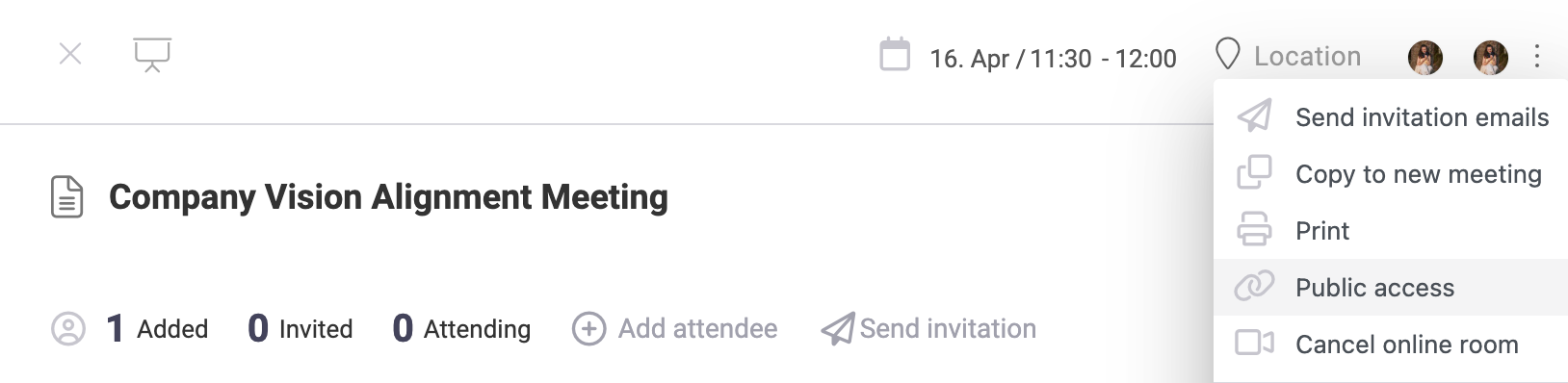
✔ Project check-ins – Keep discussions aligned with goals and track meeting history.
Meeting Labels
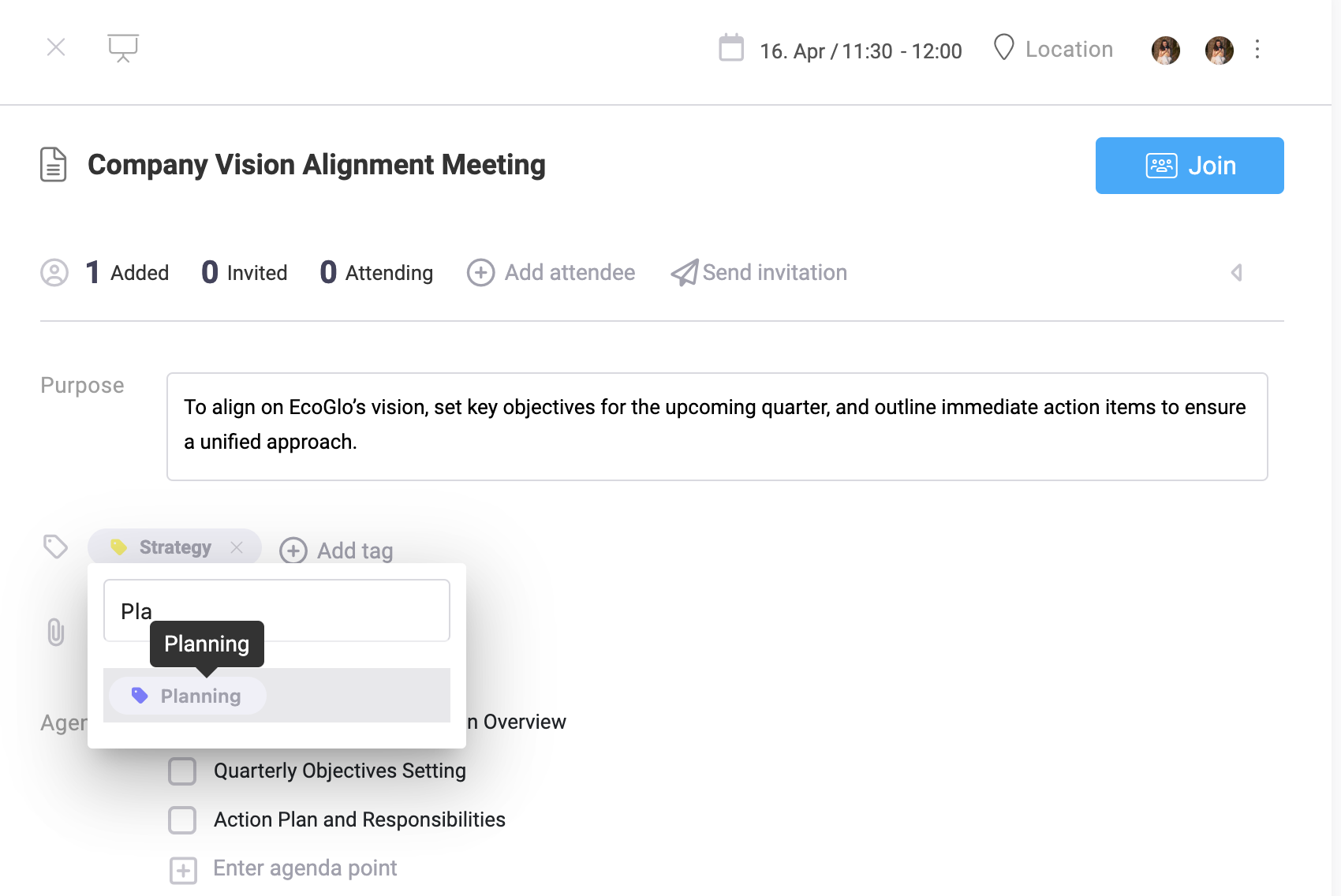
Meetings in Beenia can be categorized to improve organization and searchability. Use labels (tags) to specify meeting types, such as:
🏆 Strategy & Planning – Long-term vision discussions.
📊 Project Updates – Regular progress reviews.
🚀 Sprint Reviews – Agile development meetings.
🤝 Client Calls – External stakeholder discussions.

Adding tags to meetings helps teams filter, track, and retrieve relevant sessions quickly.
Creating & Managing Calls
Once a Meeting Room is activated, you can:

🔹 Enable video or audio conferencing directly in Beenia.
🔹 Share meeting links with team members or external guests.
🔹 Add atendees, add attachments, write an agenda, link activities, schedule timetable and more...
Meeting Settings & Customization
Inside the meeting settings, you can:
✔ Adjust participant permissions – Define who can add agenda points and notes.
✔ Set recurring meetings – Automate scheduling for ongoing discussions.
✔ Attach related tasks – Link meetings to specific activities for a structured workflow.
Why Use Beenia Meeting Rooms?
Beenia’s built-in Meeting Rooms eliminate the need for third-party video conferencing tools and ensure that discussions remain action-driven. By integrating meetings with tasks, teams stay aligned, reduce miscommunication, and ensure every meeting leads to tangible results.