
Time tracking is a powerful tool that helps teams manage their workload effectively, optimize productivity, and gain insights into how time is spent on different tasks. However, it’s not about micromanaging employees or monitoring every minute of their day—it’s about providing a clear structure to improve time management, project planning, and overall efficiency.
Why Use Time Tracking?
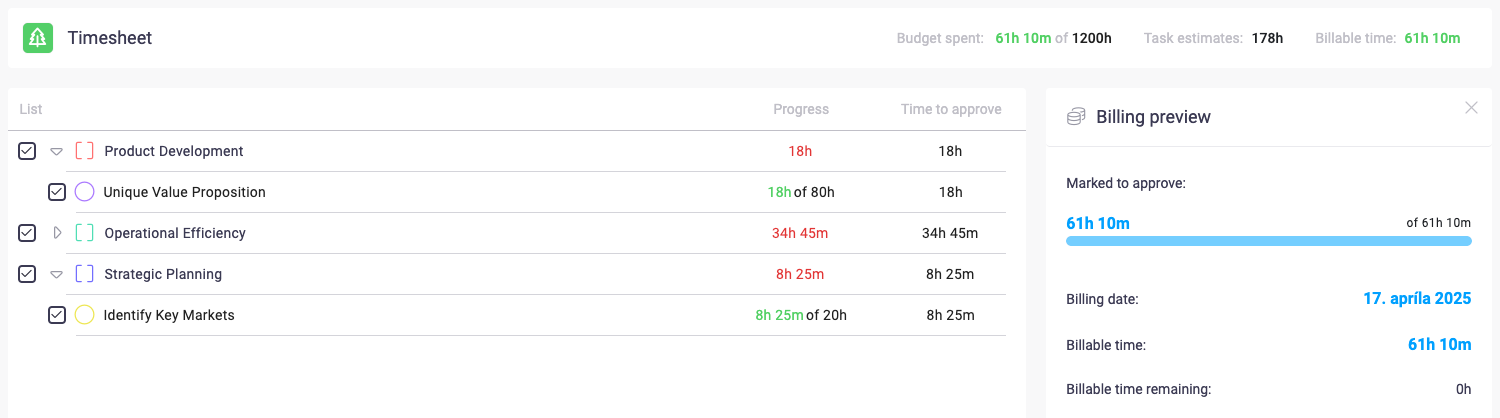
Many teams work on multiple projects simultaneously, often struggling to estimate the actual time needed for tasks. Time tracking allows teams and individuals to:
- Improve time management – Understand how long tasks take and plan workloads realistically.
- Increase efficiency – Identify time-consuming activities and find ways to streamline workflows.
- Stay organized – Keep a structured overview of work in progress and completed tasks.
- Gain insights – Analyze how time is spent across different projects and optimize resources accordingly.
- Ensure fair workload distribution – Make sure no team member is overloaded with tasks.
When Should You Use Time Tracking?
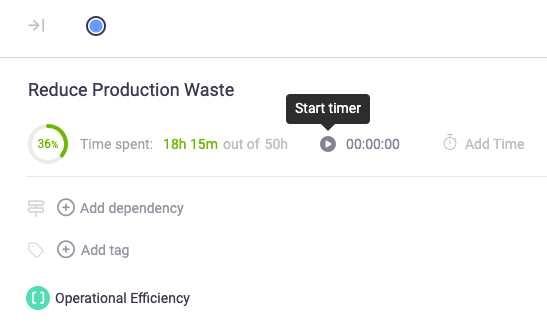
Time tracking is particularly useful in project-based work, client billing, and internal reporting. However, it’s not necessary for every workflow. If tracking time becomes an additional burden without providing actionable insights, it may not be essential for your specific needs. Beenia makes time tracking optional and flexible, so teams can decide when and how to use it.
Why Track Time in Beenia?
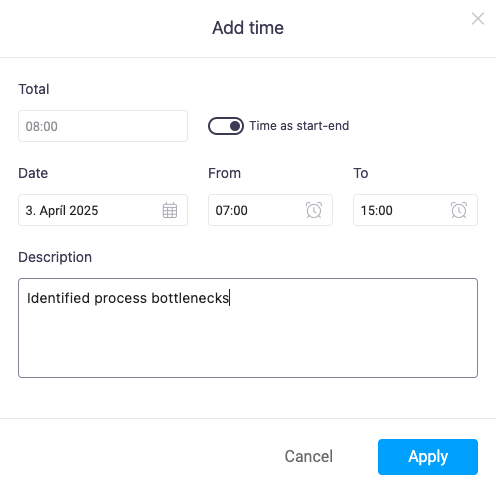
Instead of switching between multiple apps, Beenia allows you to track time in the same space where you manage tasks, goals, and meetings. This means:
✅ No need for external time-tracking tools
✅ Seamless integration with your activities and goals
✅ A complete view of progress, without losing focus
How to Activate Time Tracking in Beenia
To start using time tracking, follow these steps:
- Click on the gear icon in the top-right corner to open Workspace Settings.
- Navigate to the Apps & Structure tab.
- Locate Time Tracking in the list of available apps.
- Toggle it ON to activate time tracking for your workspace.
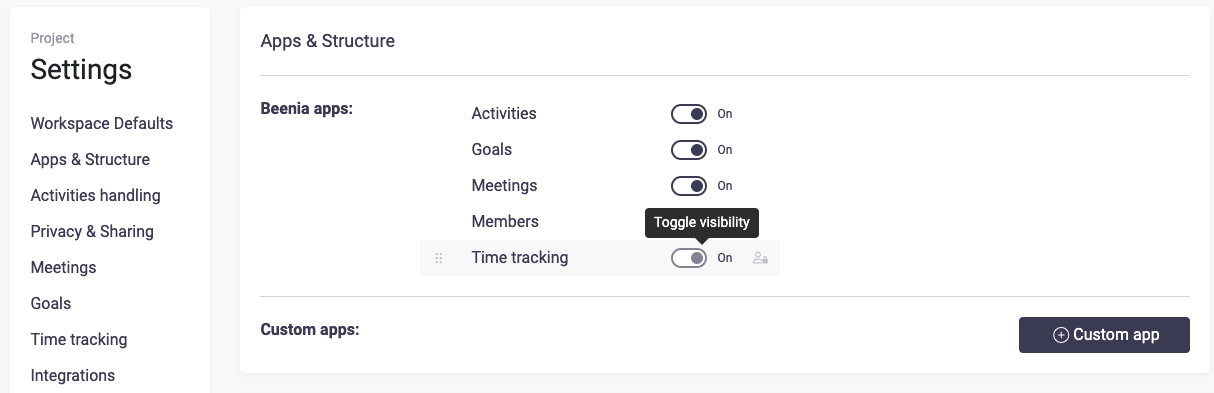
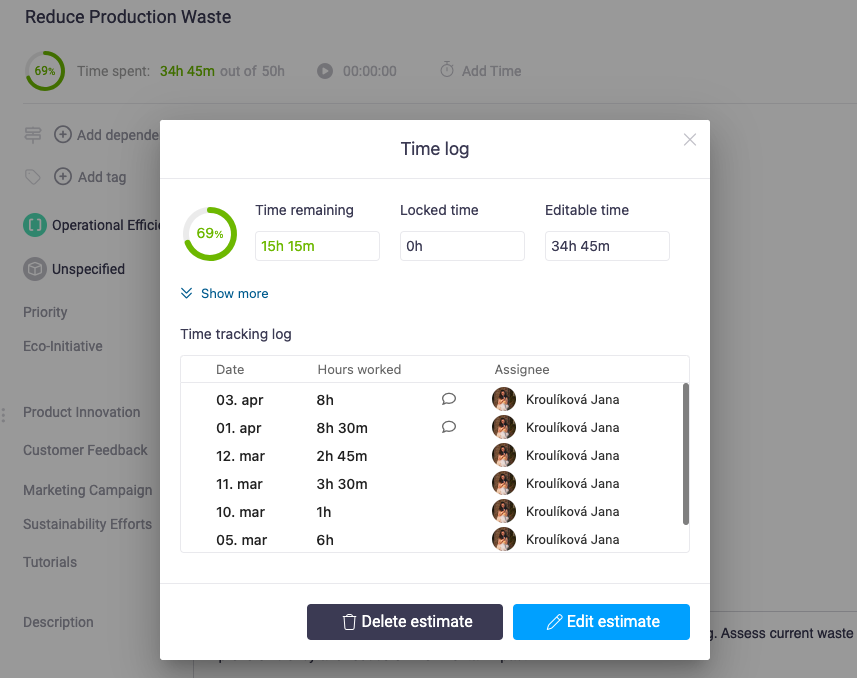
Once enabled, a Time Tracking tab will appear in the top navigation bar, allowing your team to log and manage time entries with ease. If you decide that time tracking isn’t necessary, you can deactivate it at any time to keep your workspace clean and simple.

Make Time Tracking Work for You
Time tracking in Beenia isn’t about strict monitoring—it’s a tool for better organization, smarter planning, and balanced workloads. Whether you need to bill clients, analyze team performance, or simply stay on top of your schedule, Beenia’s integrated time tracking gives you the flexibility to work smarter.