Activities are the building blocks of your workflow in Beenia, and knowing how to manage them effectively is key to staying productive. Beenia offers a range of actions you can perform on activities, enabling you to organize, update, and complete tasks effortlessly.

1. Create and Assign Activities
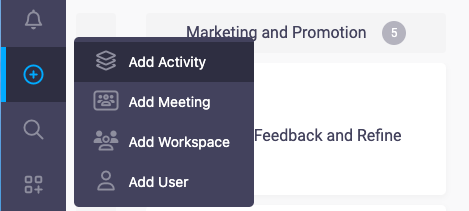
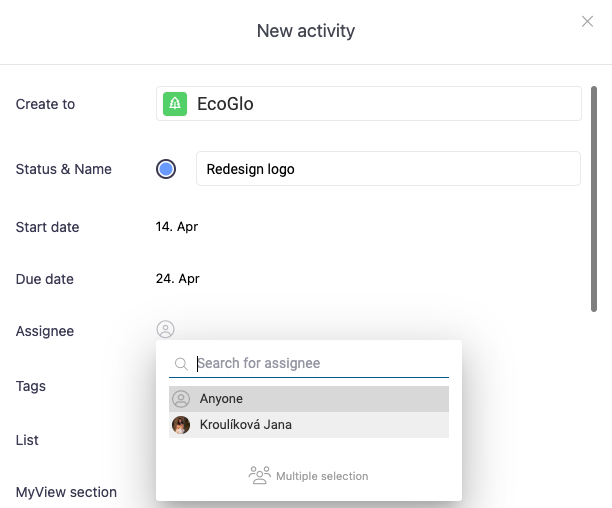
Creating a new activity is simple. Navigate to the Activities workspace or MyView and click on the "Add Activity" button. Fill in the essential details such as name, description, deadline, and assign it to the right team member. Assigning tasks ensures clear accountability and efficient collaboration.
2. Update Task Details
As work progresses, you can easily update task details. Edit descriptions, adjust deadlines, or reassign tasks directly from the activity view. Beenia’s flexible interface ensures that updates can be made quickly without disrupting the workflow.
3. Change Statuses
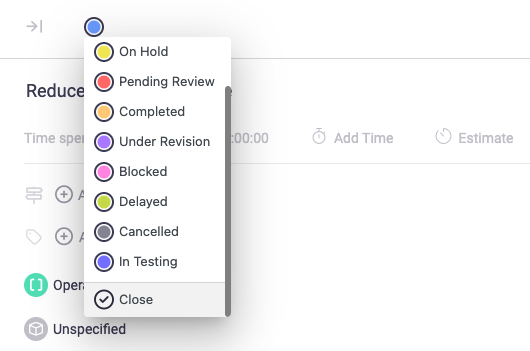
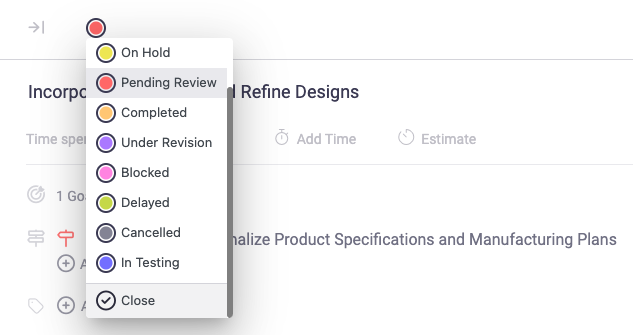
Track progress by updating the status of your activities. Move tasks through stages like "To Do," "In Progress," and "Completed," or use custom statuses tailored to your team’s workflow. This visual tracking helps you monitor what’s done and what still needs attention.
4. Add Comments and Attachments
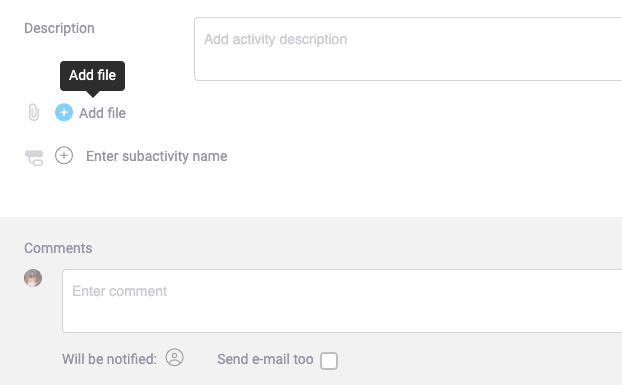
Collaboration is seamless with the ability to add comments and upload attachments directly to activities. Share updates, ask questions, or provide feedback in the comments section to keep communication centralized. Attach files, documents, or links to ensure your team has everything they need in one place.
5. Copy or Move Activities
Need to replicate a task or move it to a different workspace? Use the duplicate or move feature to save time. This is particularly useful for recurring tasks or when shifting priorities across projects.
6. Share Activities Externally
For tasks that require external input, Beenia allows you to generate shareable links. This feature is ideal for collaborating with clients, stakeholders, or partners who don’t have a Beenia account.
7. Close Completed Activities
Once a task is completed, mark it as closed. This not only keeps your workspace tidy but also provides a clear record of what has been accomplished.