
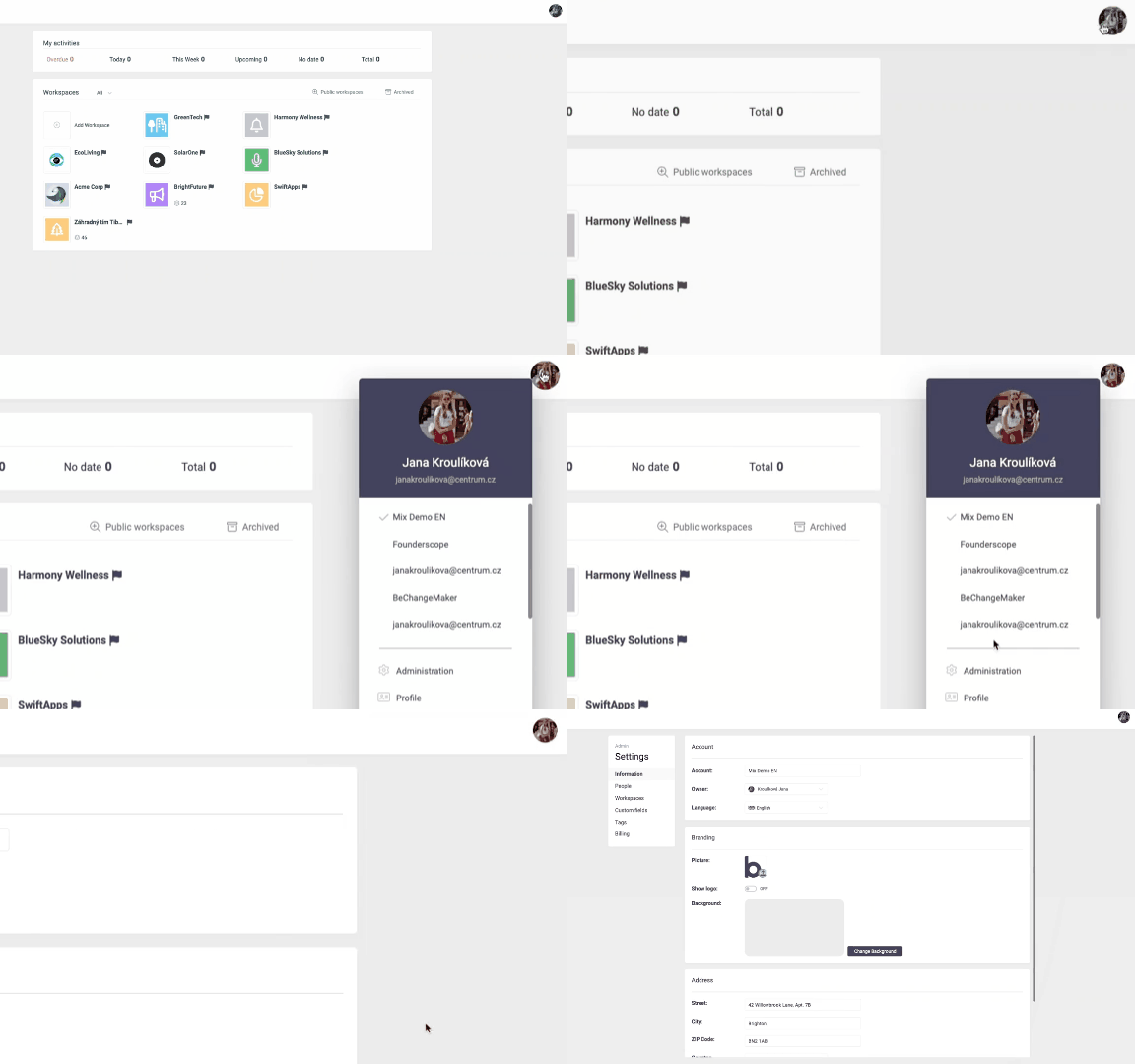
Account administration in Beenia gives you the tools to tailor the platform to your organization’s unique requirements. Whether you're managing team members, organizing workspaces, or adjusting billing preferences, everything you need is centralized for seamless customization.
Optimize Your Account Information
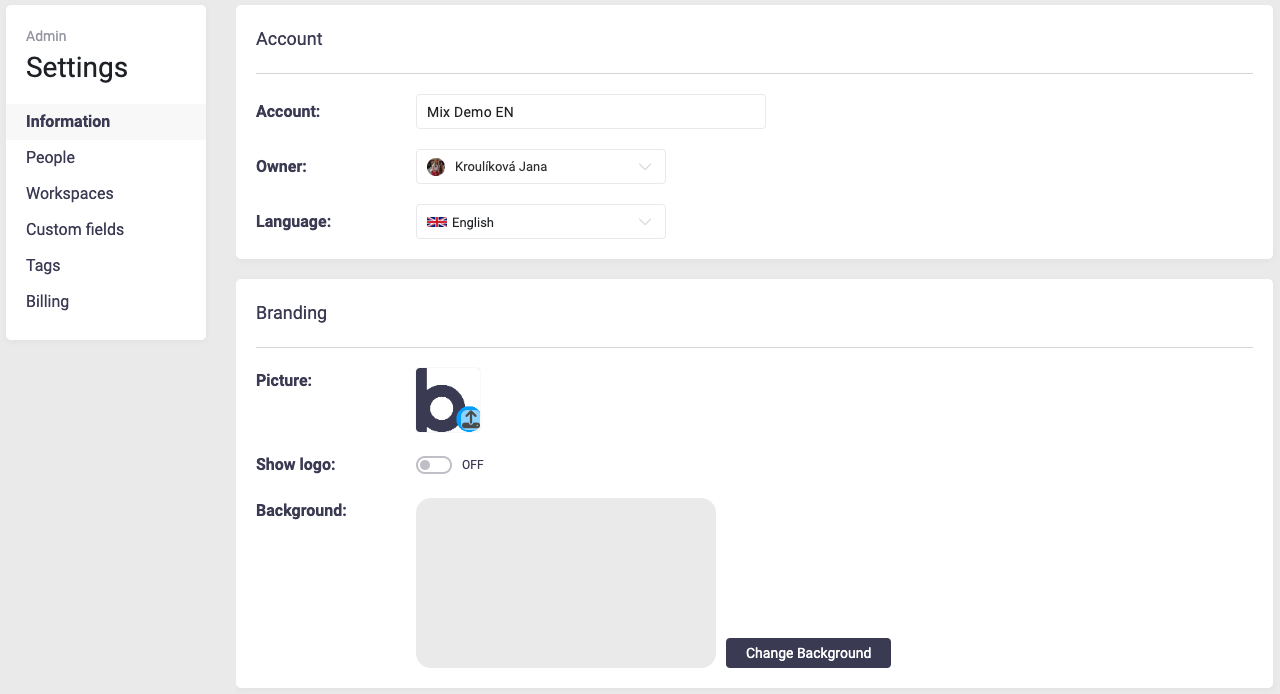
Start by setting up your account's foundational details under the Information tab. Here, you can upload your logo, select a background image, and add essential details like your address and preferred language. This branding ensures that your workspace feels aligned with your organization’s identity, creating a cohesive and professional environment for your team.
Manage Team Members Efficiently
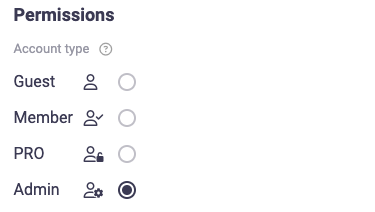
Under the People tab, you can add, remove, or modify team members. Assign roles—such as Guest, Member, PRO, or Admin—based on their responsibilities and level of access. Having the ability to define permissions ensures that sensitive information is protected while keeping the team functional. For example, granting Admin access to your project managers allows them to oversee operations while limiting unnecessary access for others.
Streamline Workspace Management
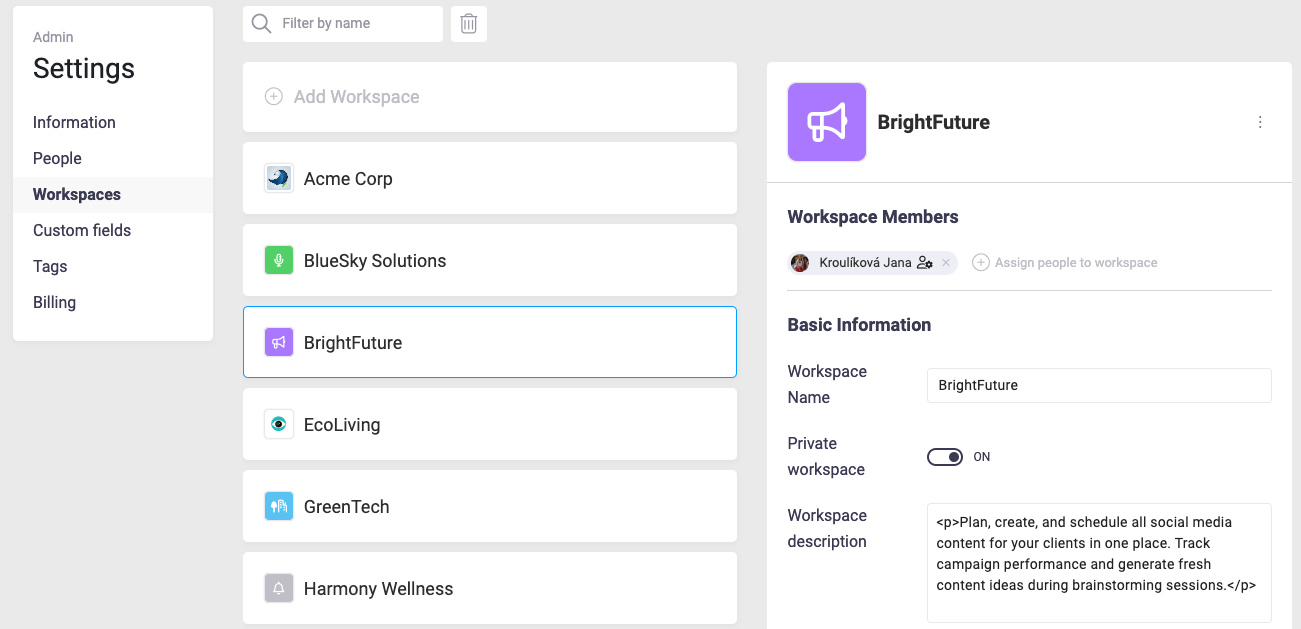
The Workspaces tab enables you to assign team members to specific workspaces, define workspace descriptions, and toggle privacy settings. If you’re running multiple projects, use this feature to allocate resources effectively, ensuring that teams stay focused and collaborate efficiently.
Enhance Functionality with Custom Fields
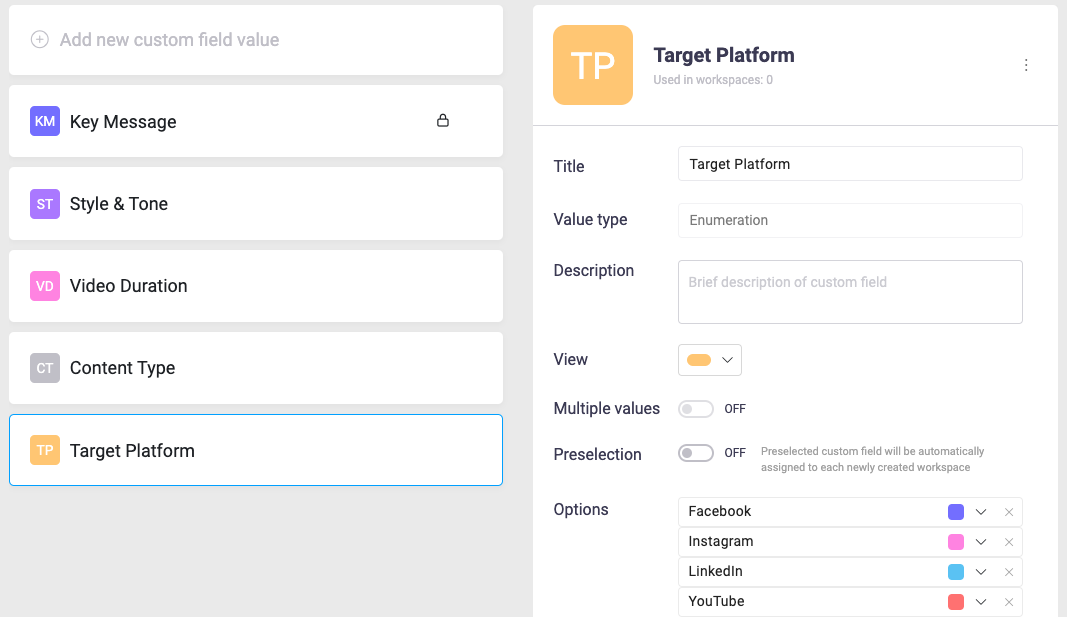
Custom fields in Beenia allow you to adapt the platform to your specific needs. Use this feature to create tailored fields for tracking data relevant to your organization, such as budget estimates or project phases. By doing so, you can ensure that your workspace captures every important detail, improving overall organization.
Keep Tasks Organized with Tags
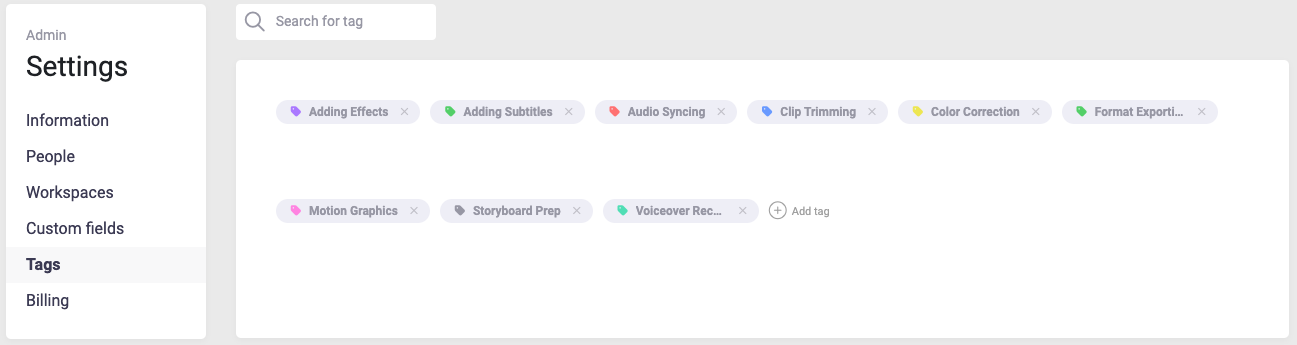
Tags are an excellent way to categorize activities and goals, making it easier to filter and find what you need. Set up tags for common categories like "Urgent," "Pending Approval," or "Completed" to keep your work structured.
Select the Right Billing Plan
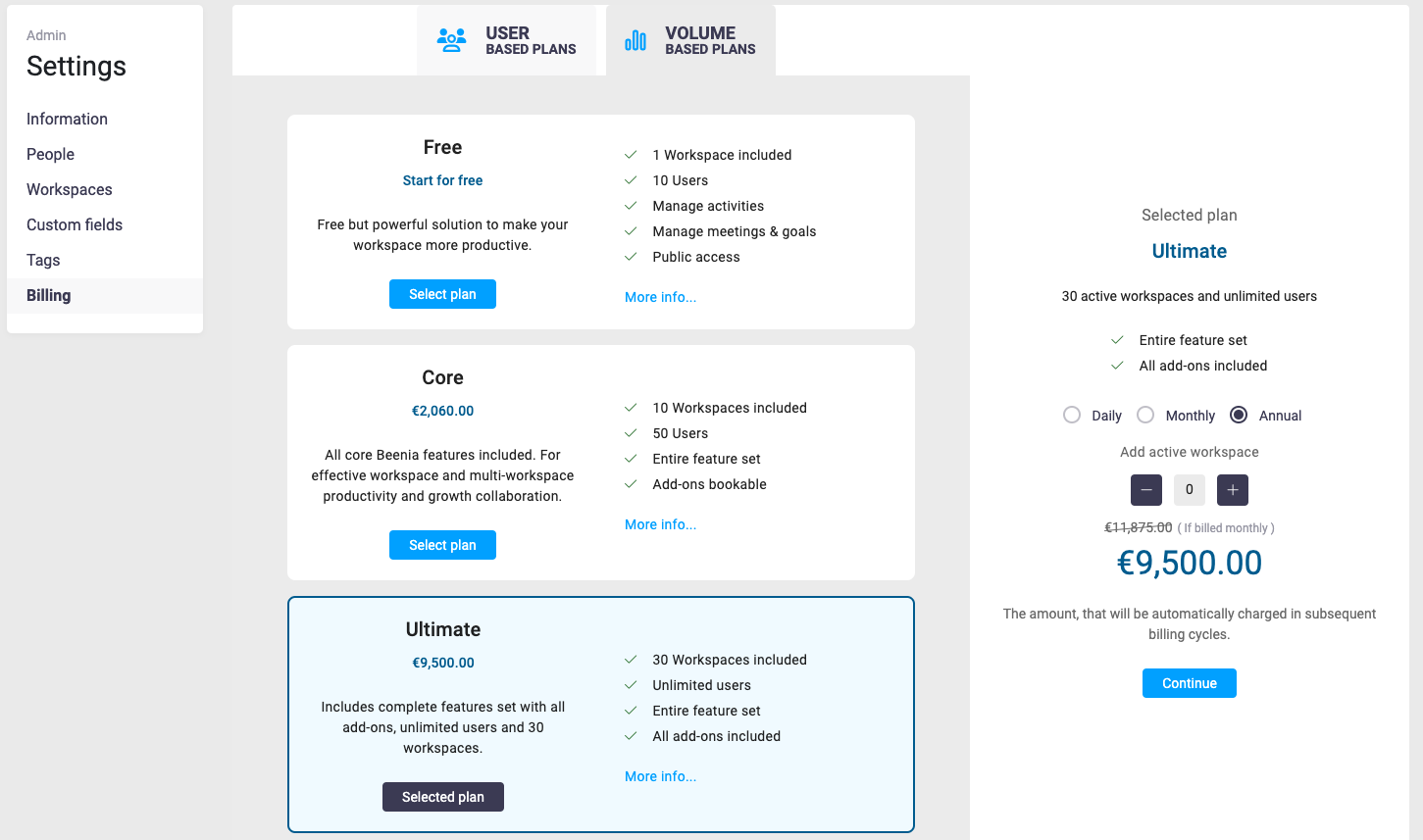
Under the Billing tab, you can choose a plan that best fits your team’s size and needs. For smaller teams, user-based plans offer flexibility with options to scale as you grow. Larger organizations can benefit from volume-based plans, which provide robust features and support for multiple workspaces and users. Evaluate your needs carefully to select a plan that offers the best value while supporting your productivity goals.
Practical Tips for Success
- Regularly update your team and workspace information to reflect organizational changes.
- Use tags and custom fields strategically to maintain clarity across activities and goals.
- Assign roles thoughtfully to ensure proper access without compromising security.
- Revisit your billing plan as your team grows or your requirements evolve.
Account administration in Beenia is designed to empower teams to work smarter, not harder. With these tools, you can fine-tune your workspace to match your workflow, ensuring maximum efficiency and collaboration. Take full advantage of these settings to create an environment where your team can thrive.